A crowded entryway is where smart access proves its value. When you are carrying groceries, guiding children inside, or returning after a late day, face recognition door lock security can verify an approved resident without searching for keys, touching a keypad, or handling a phone. The convenience is immediate, but the real question for homeowners is whether that convenience is backed by meaningful protection.
The answer depends on the lock’s biometric technology, how access is managed, the quality of installation, and whether the household has dependable backup options. A face-recognition lock should be treated as one layer of a considered home-security setup, not as a novelty feature attached to the front door.
What face recognition door lock security actually does
A face-recognition door lock stores an encrypted facial template during enrollment. When someone stands at the door, the lock’s camera analyzes facial features and compares them with approved profiles. If the match meets the required confidence level, the lock releases the door mechanism.
This is different from a basic camera that merely detects movement or captures footage. A security-focused face-recognition lock is designed to identify a specific authorized person. Higher-quality systems also use depth sensing, infrared illumination, or liveness detection to distinguish a real face from a flat photo, screen image, or recording.
For a household, the strongest everyday benefit is frictionless entry with a clear access boundary. Residents do not need to carry keys during a quick walk, a school run, or an evening workout. Children and older family members can enter without memorizing a long code. At the same time, the property owner retains control over which faces are registered.
The security features that matter most
Not every face-recognition function provides the same level of protection. The hardware, software, and installation all influence how well the system performs at the door.
Liveness detection helps prevent spoofing
A lock should do more than compare a camera image with a saved picture. Liveness detection looks for physical indicators that the person standing at the door is real. Depending on the model, this may include depth information, infrared checks, facial movement analysis, or a combination of these methods.
This matters because a standard printed image or a face displayed on a phone should not be enough to gain entry. Homeowners considering face recognition should ask how the lock handles presentation attacks and whether its recognition system is designed for variable lighting at a residential entrance.
Multiple access methods create practical backup
Face recognition is convenient, but no single entry method should carry the entire system. A well-equipped smart lock can also offer fingerprint verification, PIN codes, mobile-app access, RFID cards, and a mechanical emergency key where appropriate.
These options are useful when a resident is wearing a helmet, has changed their appearance significantly, or is approaching from an awkward angle. They are also valuable for service situations. A temporary PIN can be assigned to a cleaner, contractor, or visiting relative without enrolling their face as a permanent household credential.
The goal is not to add access methods without control. It is to give the homeowner a secure alternative when normal face verification is not the best fit.
App controls improve visibility and administration
Connected locks can provide more than remote door control. Depending on the model and app setup, homeowners may receive entry notifications, review access activity, create time-limited PINs, and remove credentials when they are no longer needed.
For landlords and small property managers, this can simplify turnover between tenants or short-term access for maintenance. For families, it can provide reassurance when children arrive home. Notifications are helpful, but they should complement good physical security rather than replace it.
A connected lock also needs responsible account protection. Use a strong, unique app password, enable multi-factor authentication if available, and only share administrator access with people who genuinely need it. Remove old household members, former tenants, and unused guest accounts promptly.
A secure door needs secure hardware
Biometric verification is only one part of the entry point. The lock body, mortise, deadbolt or latch mechanism, strike plate, door frame, and hinges all affect security. A sophisticated reader cannot compensate for a poorly fitted lock or a weak frame.
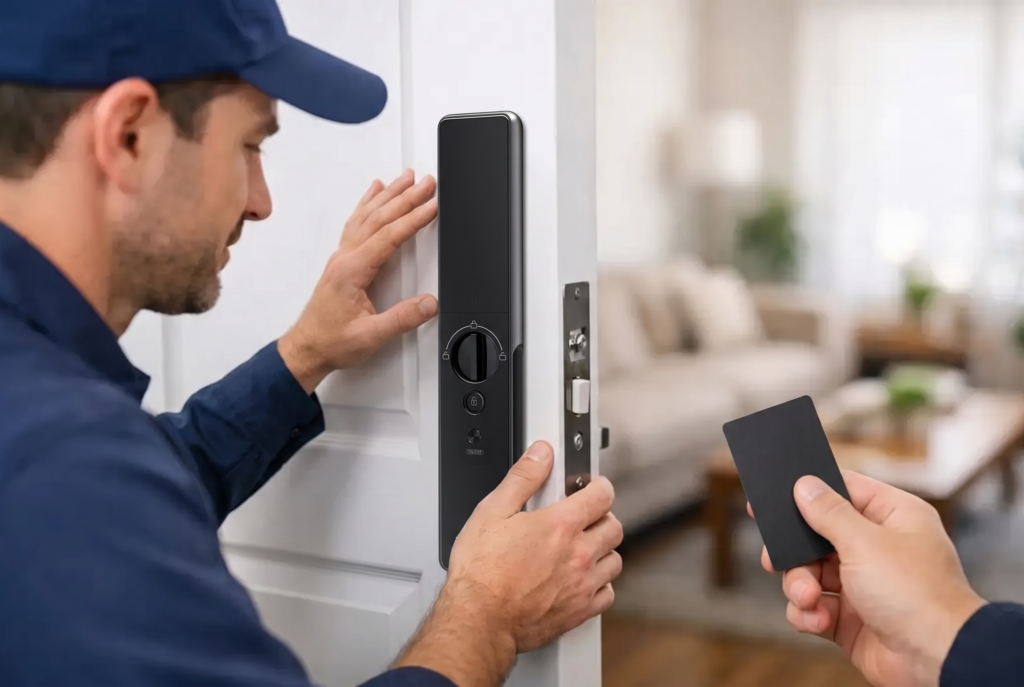
Professional installation helps ensure the lock aligns correctly, engages fully, and operates smoothly without excessive force. This is particularly relevant for mortise doors, metal gates, and older properties where dimensions and door conditions can vary. A correctly installed lock is less likely to suffer premature wear, false errors, or unreliable closing.
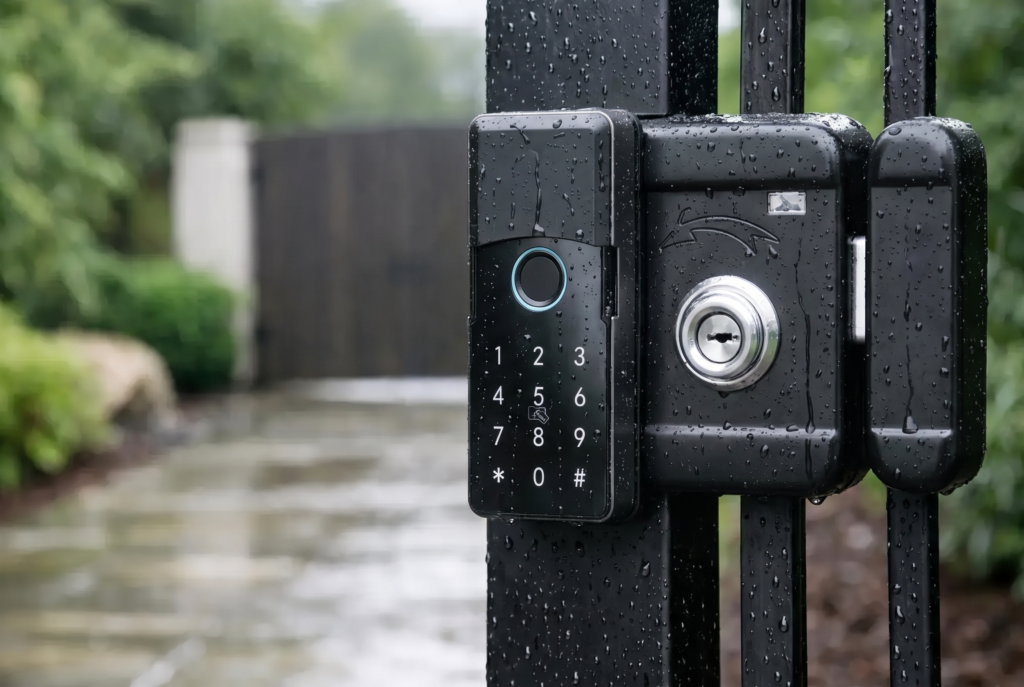
For exterior gates, weather resistance matters as well. Rain, heat, dust, and direct sunlight can affect both the lock housing and the biometric sensor. Choose hardware rated for its intended environment rather than adapting an indoor-focused lock to an exposed gate.
Privacy is part of face recognition door lock security
Facial data deserves careful handling. Before installing a face-recognition lock, homeowners should understand what data is stored, who can add or delete faces, and whether facial information remains on the device or is transmitted to another service.
The most practical approach is to register only the people who need routine access and keep administrator privileges limited. Do not enroll a casual visitor simply because the feature is available. For short-term guests, a scheduled PIN or app-generated pass is usually the more sensible choice.
It is also wise to explain the system to everyone in the household. Family members should know which access methods are available, how to use the backup method, and what to do if recognition fails. Clear rules prevent confusion at the door and reduce the chance of someone sharing a PIN unnecessarily.
Where face recognition works best at home
Face recognition is especially useful at a main residential entrance with steady daily traffic. It suits families who regularly arrive with full hands, homeowners who prefer a keyless routine, and households supporting children or parents who may find physical keys inconvenient.
It can also work well as part of a connected entrance setup. Pairing a smart lock with a video doorbell viewer adds another layer of awareness: residents can see who is at the door, communicate with visitors, and decide whether to provide temporary access. These functions serve different purposes, but together they create a more informed entry experience.
There are situations where a fingerprint reader or PIN-first setup may be a better choice. An entry with harsh direct sun, frequent face coverings, or an approach angle that makes a person stand far from the door can affect recognition speed. The best system fits the entrance, the household routine, and the physical door, not just the feature list.
How to set up a safer face-recognition lock
Security begins during setup. Enroll each resident carefully in normal entry conditions, following the lock’s recommended distance and posture. Avoid rushed registration, because poor enrollment can lead to repeated failed attempts later.
Keep the number of administrator accounts small. Set a separate PIN for each person when the system supports it, rather than using one shared household code. This makes it easier to remove a single credential if a code is exposed or a resident moves out.
Maintain the lock as you would any important home hardware. Replace batteries before they are depleted, keep the sensor area clean, and test backup entry methods periodically. If the lock sends low-battery alerts, act early instead of waiting for an inconvenient moment at the door.
Genesis Singapore approaches smart access as a complete ownership experience: the right lock for the door, professional installation, and local support when homeowners need help with setup or servicing. That service element is valuable because access control is not a device most families want to troubleshoot alone.
A face-recognition lock earns its place at the front door when it makes daily entry easier without asking the household to compromise on control. Choose technology with liveness detection, reliable backup access, carefully managed app permissions, and hardware suited to the property. Then let the system do what good home security should do: work quietly in the background while your family gets on with the day.