A spare key under the mat is not a household access plan. It is an untracked risk that can be copied, misplaced, or passed along without your knowledge. Smart lock temporary access codes replace that uncertainty with a clear rule: the right person can enter at the right time, and the code stops working when their visit is over.
For busy households, this is one of the most useful reasons to upgrade from a conventional lock. Whether you are coordinating a cleaner, receiving a repair technician, welcoming relatives, or managing a rental property, temporary codes give you practical control without requiring you to be at the door.
What Smart Lock Temporary Access Codes Do
A temporary access code is a PIN created for a specific person, purpose, or time window. Instead of handing over a physical key, you issue a unique code through the lock keypad or compatible mobile app. Depending on the lock and connection setup, you can set the code to work once, for a few hours, on selected days, or until a chosen expiration date.
The value is not just convenience. A physical key does not tell you who used it, when it was used, or whether someone made a copy. A properly configured smart lock can assign separate credentials to different users and keep an access history. If a plan changes, you remove the code rather than waiting for a key to be returned.
This makes temporary codes especially helpful in homes where schedules change often. A parent can let a trusted caregiver enter on weekday afternoons. A homeowner can give a contractor access for a planned service window. A landlord can issue a short-term credential for a property viewing or maintenance visit without exposing a long-term household code.
Where Temporary Codes Make Everyday Life Easier
The best access setup reflects how your household actually operates. For many families, that means combining fingerprint recognition or face recognition for daily entry with codes for people who only need occasional access. Residents get fast, familiar entry, while visitors receive a limited credential that does not become a permanent part of the home’s security routine.
Guests and family visits
A time-limited code works well for relatives arriving before you get home, friends staying for a weekend, or a neighbor checking on your home while you travel. Give the code a clear start and end date, then remove it when the visit ends. There is no need to collect a key or wonder whether it will remain in circulation.
For overnight guests, a date-based code is usually more practical than a single-use code. For a quick parcel pickup or a one-time meeting, a one-time credential can be the better choice. The right setting depends on how long access is genuinely needed.
Cleaners, caregivers, and regular service providers
Recurring schedules are where smart access control becomes especially useful. A weekly cleaner may need entry every Tuesday between 10 a.m. and 2 p.m. A pet sitter may need access morning and evening for several days. Rather than creating a permanent PIN, assign a schedule that matches the service arrangement.
Use a separate code for each provider. It is easier to identify activity in the access log, and it avoids disrupting everyone’s access if one working relationship changes. If a cleaner stops visiting, remove only that code. The rest of the household continues using their own credentials as normal.
Repairs, deliveries, and home maintenance
A smart lock can reduce the frustration of waiting at home for an appointment window. If you are comfortable granting entry to a vetted technician, create a code that begins shortly before the appointment and expires shortly afterward. A video doorbell viewer with live video and two-way audio can add another layer of awareness, allowing you to verify who is at the entrance before access is granted.
This approach requires judgment. A temporary code manages the door credential, but it does not replace common-sense decisions about whom you allow inside. For unfamiliar service providers, many homeowners prefer to be present or use video verification first.
Rentals and secondary properties
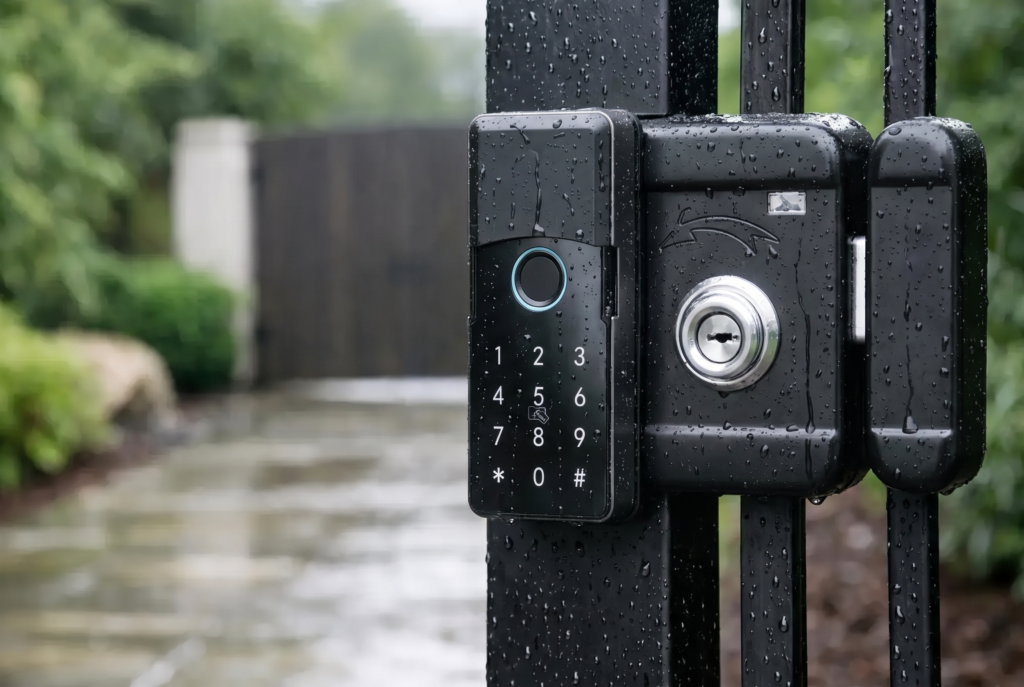
Owners of rental units, vacation homes, and secondary residences can avoid repeated key handovers and rekeying costs. Issue a code that matches the booking dates, then make it inactive after checkout. For properties with separate gates, a compatible smart gate lock can help extend the same access discipline to the outer entrance.
Property managers should avoid using one shared code for every guest. Unique, dated codes provide clearer accountability and make it easier to cancel access for one stay without affecting another.
How to Set Up Temporary Codes Safely
The strongest access policy is simple enough for the household to follow consistently. Start by creating an administrator credential that is different from all visitor codes. Keep that credential private and avoid using easy patterns such as birthdays, unit numbers, or repeating digits.
Next, give each temporary user their own code and label it clearly in the app where available. Names such as Cleaner Tuesday, Dog Sitter June, or Plumber Service make future reviews far easier than a list of anonymous PINs. Set the narrowest reasonable time window. A contractor expected from 1 p.m. to 3 p.m. does not need a code that stays active for a full week.
Before relying on a new code, test it while you are at home. Confirm the start time, expiration time, and the correct door or gate. This small step prevents an avoidable call from a visitor standing outside because the code was set for the wrong day or the lock clock was not synchronized.
Finally, review active credentials after major changes: a move, a renovation, a change in household staff, or the end of a rental period. Temporary access only stays temporary when old codes are removed promptly.
Security Choices That Matter Beyond the Code
Not all smart locks offer the same remote capabilities. Some support app-based code creation over Wi-Fi, while others may require a bridge, hub, or nearby Bluetooth connection for certain settings. Ask during selection how codes are issued, whether access records are available, and what happens if the internet is unavailable. The lock should still provide reliable local entry methods for residents, such as fingerprint access, keypad entry, or a mechanical emergency key where applicable.
Battery management also deserves attention. Smart locks are designed to warn users when battery power is low, but warnings only help when they are acted on. Replace batteries according to the manufacturer’s guidance, keep the emergency power option in mind if your model has one, and make sure household members know the backup entry method.
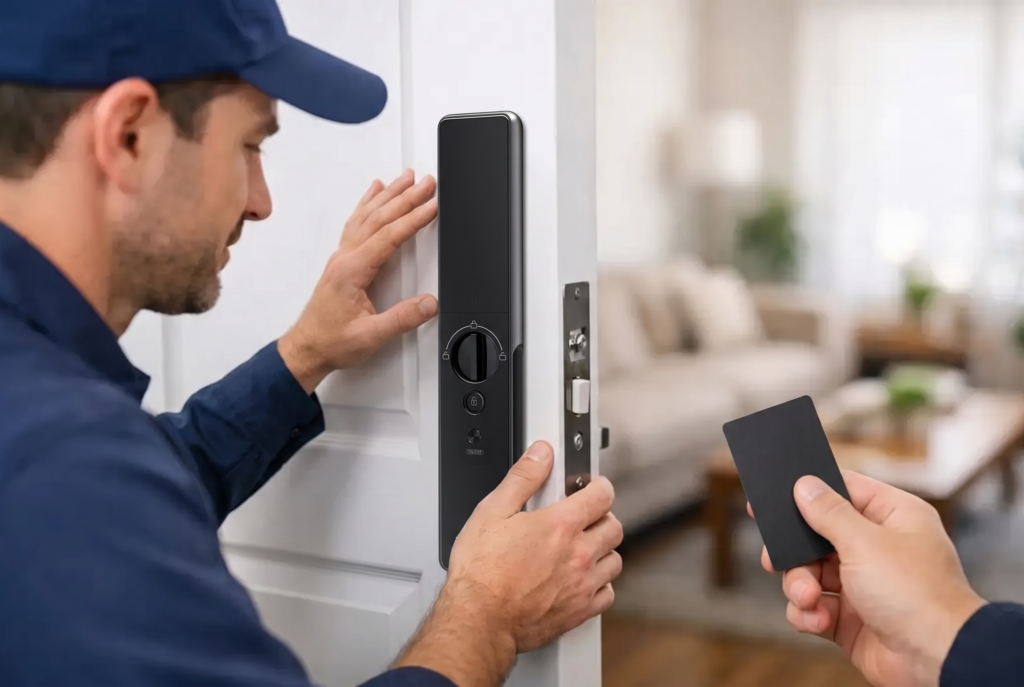
For front doors exposed to rain, heat, or humidity, select hardware suited to the installation environment. Gates and exterior doors may need a weather-resistant design and professional placement to protect both the lock and the door structure. A well-installed lock performs better, looks cleaner, and avoids problems caused by poor alignment.
Common Mistakes to Avoid
The most common mistake is treating a temporary PIN as a shared family password. If everyone knows the same code, it becomes difficult to know who entered and impossible to remove one person’s access without changing it for everyone. Individual credentials are more secure and easier to manage.
Another mistake is creating overly broad access windows out of convenience. A code that is active all day, every day may feel easier to administer, but it defeats the purpose of temporary access. Use recurring schedules only when the person has a real recurring need.
It is also wise to tell visitors not to forward their code. A code is a credential, not an invitation that can be passed to another person. For deliveries, consider whether door-side handoff, a secure parcel arrangement, or video communication is more appropriate than allowing indoor access.
Choosing a Smart Lock for Better Access Control
When comparing smart locks, look beyond the number of ways to enter. A premium access experience depends on how well the lock handles real household routines. Useful features include scheduled PINs, one-time codes, access history, app notifications, biometric entry for residents, backup access options, and compatibility with video monitoring.
Professional installation is equally valuable. Door thickness, lock type, handle orientation, gate material, and alignment all affect day-to-day performance. Genesis Singapore pairs connected lock technology with installation, warranty coverage, and local after-sales support, helping homeowners choose a configuration that fits both their entryway and their access needs.
A temporary access code is a small feature with a meaningful effect on home life. Set it thoughtfully, keep it specific to the person and purpose, and your front door can stay convenient for trusted visitors while remaining firmly under your control.