A front door should not make a busy household pause to find keys, check pockets, or worry about who has a spare. That is why many homeowners ask how fingerprint door locks work before replacing a conventional deadbolt. The short answer: the lock reads distinctive details in an enrolled finger, compares them with protected data stored in the lock, and releases the locking mechanism only when there is a match.
The better answer matters because a fingerprint lock is not simply a scanner attached to a door. It is an access-control device that combines biometric recognition, mechanical locking hardware, battery power, and often app-based management. When these parts are selected and installed correctly, they offer quick everyday entry without giving up practical backup options.
How Fingerprint Door Locks Work Step by Step
The process starts when a person places a finger on the sensor. Depending on the lock design, the sensor may use capacitive technology, optical imaging, or a newer semiconductor-based reader. Rather than treating the fingerprint as a photograph alone, the system identifies small, measurable features such as ridge endings, splits, and their relative positions.
During enrollment, the lock asks the homeowner to scan the same finger several times from slightly different angles. This helps it create a more reliable template that recognizes the finger even when it lands on the reader a little differently during daily use. The lock stores that template as encrypted biometric reference data, not as a printable fingerprint image.
At the door, the sensor captures a new scan and turns it into a mathematical template. The lock’s processor compares this template against the enrolled records. If the match meets the device’s confidence threshold, it sends a signal to the motor or clutch inside the lock body. The deadbolt retracts or the handle becomes engaged, allowing the door to open.
This happens in a moment, but the quality of the experience depends on the sensor, the processor, and the installation. A good lock should recognize enrolled family members quickly while rejecting a partial, unknown, or poor-quality scan.
The lock still needs a physical mechanism
Biometrics decide whether access is approved. The mortise, deadbolt, latch, or lever mechanism does the physical work of securing the door. In many smart lock designs, a compact motor turns the internal mechanism after authentication. In others, it engages a clutch so the outside handle can operate only after a valid fingerprint, passcode, card, or app command.
This distinction is useful when comparing models. A smart lever lock may suit an interior room or a door with an existing lever setup, while a fully automatic mortise lock can provide a more integrated feel for a main entrance. The right choice depends on door thickness, handing, frame condition, existing hardware, and how the household uses the entry.
Why a Fingerprint Is More Convenient Than a Key
Keys are easy to share, lose, copy, or forget. A fingerprint is already with you. For families coming home with groceries, children arriving after school, or residents stepping out briefly, that can make entry noticeably easier.
A fingerprint lock also allows individual access management. Instead of changing the entire lock when a helper, contractor, tenant, or former occupant no longer needs entry, an authorized user can be removed from the lock’s stored records. Models with connected app controls may also provide access logs, remote status checks, temporary passcodes, or notifications.
Fingerprint entry is not meant to eliminate every other method. Well-designed residential locks commonly include several ways in: fingerprint recognition, PIN code, RFID card or tag, mobile app, mechanical key override, and sometimes emergency power through an external port. Multiple entry methods are valuable because real life is unpredictable. Wet hands, a minor cut, a drained battery, or a guest who is not enrolled should not leave the household without a practical way inside.
What Makes Biometric Entry Secure?
No access method is perfect. The security of a fingerprint door lock depends on the product design, how it is configured, and whether the door itself is adequately secured. Still, biometric access adds an important advantage: a fingerprint is difficult to casually hand over or duplicate compared with a key or a simple PIN.
Quality fingerprint sensors are designed to look for characteristics associated with a real finger, not just a flat print. This is often called liveness detection or anti-spoofing protection. Its effectiveness varies by model, so homeowners should look beyond broad claims and ask what type of sensor is used, how fingerprints are stored, and what fallback methods are available.
The matching threshold also involves a trade-off. If the lock accepts too broadly, it could increase the chance of an incorrect match. If it is set too strictly, it may reject an authorized user more often. Reputable residential locks are tuned to balance security and everyday recognition speed, but clean enrollment remains essential.
For the strongest setup, enroll more than one finger for each regular user. A thumb and index finger are common choices. This gives you an alternative if one finger is wet, sore, or temporarily difficult for the sensor to read. Keep administrator credentials private, use a unique PIN where applicable, and remove unused users promptly.
Battery Power, Lockouts, and Emergency Access
Most fingerprint door locks run on replaceable batteries. This is intentional: the lock can continue operating during a household power outage because it does not rely on the home’s electrical wiring. Battery life varies with usage, motor type, Wi-Fi activity, temperature, and whether the lock has a screen or video features.
A dependable lock warns users before its batteries are depleted. Low-battery alerts may appear on the lock, sound when the door is used, or reach the homeowner through a connected app. The practical rule is simple: replace batteries as soon as the alert appears, rather than waiting for the final warning.
If batteries are fully depleted, many models offer temporary emergency power through an external connection, allowing the lock to be powered long enough to authenticate and open. Mechanical key override is another useful backup, although the key should be stored securely and not left where an intruder could access it. Before purchase, confirm exactly which backup methods the selected model provides and how they are used.
Connectivity Adds Control, Not a Requirement
A fingerprint lock can work as a standalone device. The core biometric matching and locking action happen at the door, so basic fingerprint access does not need Wi-Fi. This is valuable for homeowners who want keyless entry without managing another always-connected device.
Connectivity becomes useful when you want more visibility and control. Depending on the model and setup, a mobile app can show activity history, let you create time-limited passcodes, notify you of door events, or allow remote locking. A video doorbell viewer can extend that visibility by helping residents see and speak with visitors before granting access.
Connected features should be treated as part of a security routine, not a substitute for one. Use a strong account password, protect the home Wi-Fi network, keep the lock app updated, and review who has access after changes in the household. If a landlord or property manager uses a lock across several properties, clear user naming and scheduled access rules can prevent confusion later.
Installation Determines How the Lock Performs
Even advanced biometrics cannot compensate for a poorly aligned door. If a door drags against the frame, the bolt does not line up with the strike plate, or the handle is under tension, the motor may work harder and the lock may not close consistently. The result can be slower operation, unnecessary battery drain, and avoidable alerts.
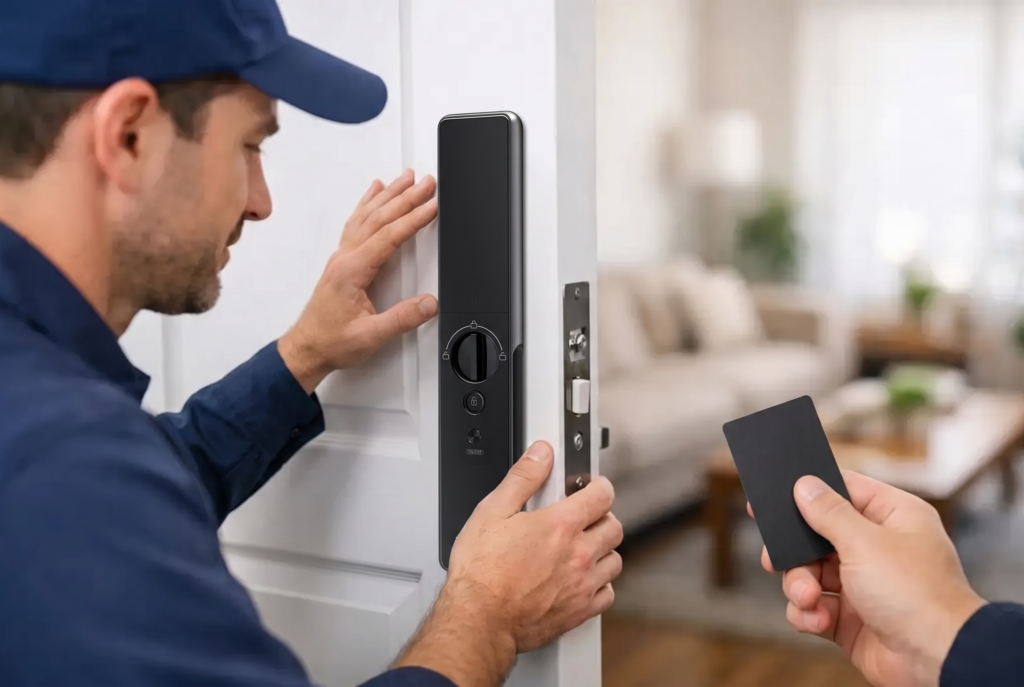
Professional installation begins with checking the door and frame, not just drilling holes. The installer confirms the door material, thickness, swing direction, existing lock cutouts, backset, and alignment. They then test fingerprint enrollment, every backup access method, auto-lock behavior if included, and the closing action from both sides of the door.
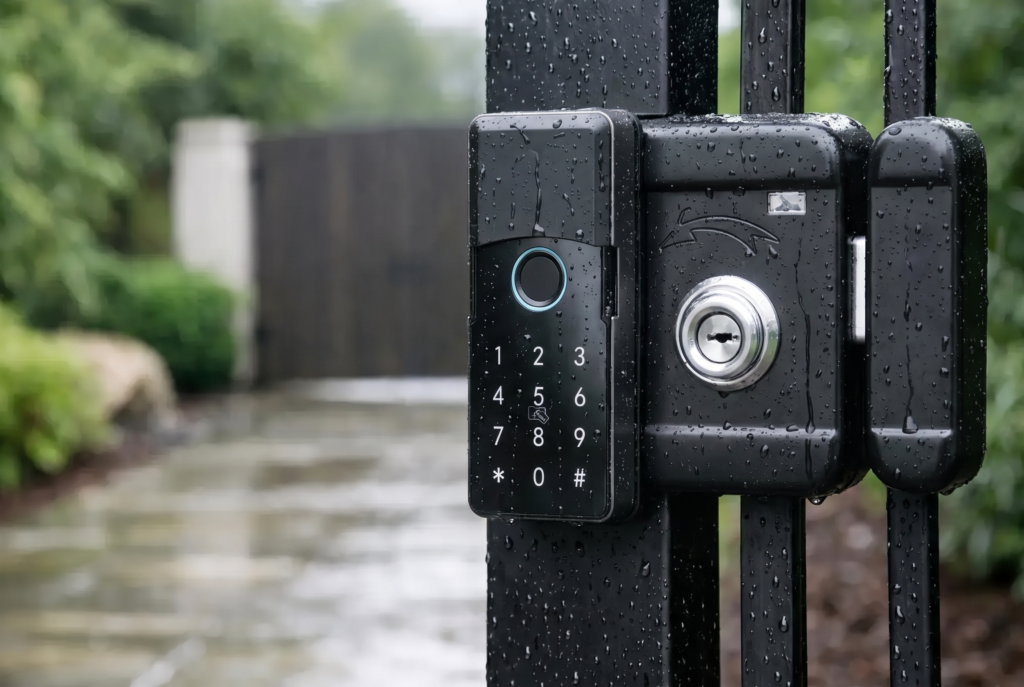
This is particularly relevant for main entrances, metal gates, and properties exposed to heat, rain, or humidity. Gate locks need a design suited to outdoor conditions, while a front-door lock should match the door’s hardware and the family’s daily access pattern. Genesis Singapore pairs smart lock hardware with installation, warranty, and local after-sales support because a lock should remain dependable well after the first day it is fitted.
Choosing the Right Fingerprint Lock for Your Household
Start with the door, then the people using it. A household with young children and older relatives may prioritize a large, responsive sensor and simple backup PIN entry. A frequent traveler may value app alerts and remote access management. A homeowner who wants a clean, premium front door may prefer a fully integrated mortise design over a more visible retrofit lock.
Ask how many fingerprints and user profiles the lock supports, whether it records entries, what happens during low battery, and whether the sensor works reliably with the fingers most likely to use it. Also ask whether the lock has a dedicated privacy mode, auto-lock settings, tamper alerts, and weather protection if it will be installed on an exposed gate.
A fingerprint door lock earns its place when it removes friction without creating uncertainty. Choose one that fits the door properly, enroll every regular user carefully, and keep its backup access methods ready. Then the technology fades into the background, leaving the household with a door that feels faster to use and more confidently controlled.