A smart lock rarely fails without giving small signals first: a fingerprint reader that needs a second try, a motor that sounds strained, an app that responds slowly, or a door that must be pushed into position before it secures. A professional smart lock maintenance service addresses those early warnings before they interrupt your morning routine, leave a family member waiting outside, or compromise the security of your home.
For homeowners who have replaced mechanical keys with fingerprint access, PIN codes, mobile control, and video monitoring, maintenance is not simply about keeping batteries fresh. It is about protecting the entire access experience: the lock body, door alignment, biometric sensor, power system, connectivity, and the way every authorized person enters the property.
What Smart Lock Maintenance Service Should Cover
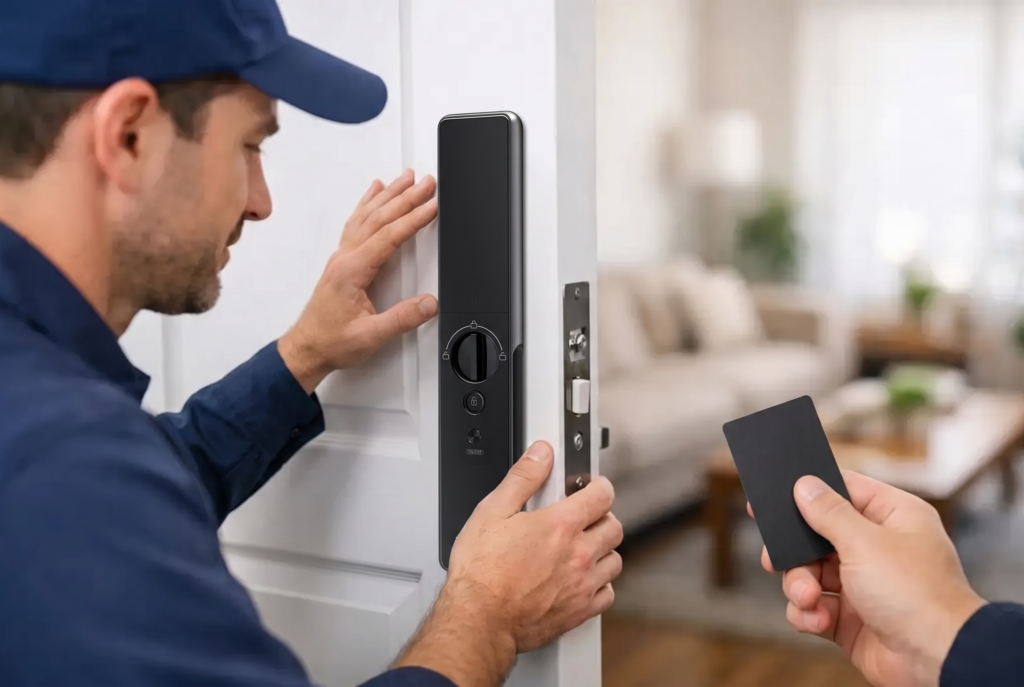
A quality service visit starts with the physical door, not the mobile app. Smart locks rely on accurate alignment between the lock body, latch or mortise mechanism, strike plate, and door frame. Heat, humidity, seasonal movement, loose hinges, and everyday closing force can gradually shift that alignment. When the door no longer sits squarely, the motor works harder to secure it. That extra resistance can shorten battery life and place avoidable stress on internal components.
A technician should inspect the door swing, hinges, latch movement, strike position, mounting screws, and lock engagement. For fully automatic and semi-automatic mortise locks, this check is especially valuable because several mechanical parts must move correctly each time the door secures. A lock may still operate, yet sound louder or respond more slowly than it did when first installed. Those are service signals worth acting on.
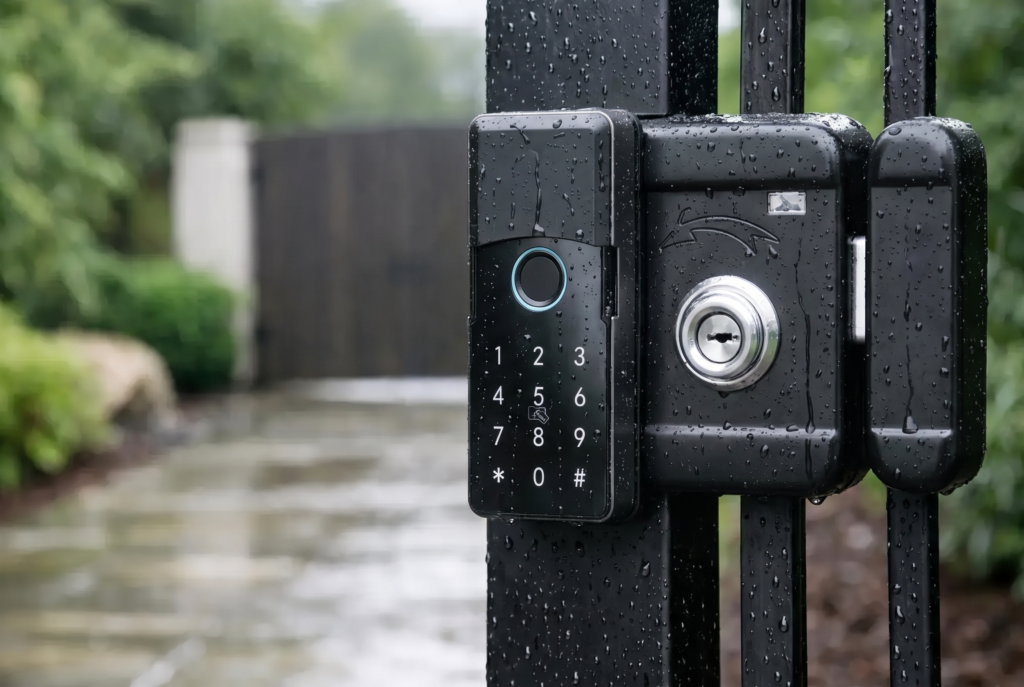
The visit should also include a functional test of every entry method used in the household. That means checking fingerprints, passcodes, cards or tags where applicable, mechanical backup access, mobile-app commands, and temporary access credentials. If the lock is paired with a video doorbell viewer or connected gate lock, the technician should verify video, notifications, two-way audio, and access controls as part of the same home-security setup.
Biometric Sensor Care
Fingerprint access is designed to make entry quick and personal, but a sensor cannot read well through a layer of hand lotion, dust, cooking residue, or moisture. Cleaning requires care. Household chemicals, abrasive cloths, and excessive liquid can damage the sensor surface or affect surrounding finishes.
Professional maintenance uses suitable cleaning methods and then tests enrolled fingerprints under normal conditions. If recognition has become inconsistent, the solution may be as simple as cleaning and re-registering a fingerprint. It can also be helpful to enroll more than one finger for each household member. A child, older adult, or family member with dry skin may get more reliable results with alternate fingerprints stored in the system.
Power and Battery Health
Most residential smart locks use batteries because battery operation keeps the lock available during a power outage. That convenience depends on replacing batteries before they are depleted, using the correct battery type, and checking for corrosion or weak contact points.
A maintenance appointment should review battery levels, battery compartment condition, low-power alerts, and emergency power options. Do not mix old and new batteries or combine different brands in the same lock. Those shortcuts can lead to uneven performance and leakage. If your household travels often or manages a rental property, establish a battery-replacement schedule rather than waiting for a low-battery alert.
The right schedule depends on lock usage, features, and environmental conditions. A frequently used front door with Wi-Fi connectivity, fingerprint scanning, and automatic locking will generally consume more power than a low-traffic interior access point. Gate locks may also need closer attention when exposed to rain, heat, dust, and outdoor temperature changes.
Why Door Alignment Matters More Than Most Owners Expect
Many smart-lock concerns are actually door concerns. When a door rubs against the frame, a latch meets the strike plate at the wrong angle, or weather stripping creates too much pressure, the lock motor must compensate every time it operates. You may hear a repeated motor sound, notice slower operation, or find that the door only secures when pulled or pushed.
Ignoring the issue can turn a minor adjustment into a more expensive repair. It can also create frustration for residents who assume the fingerprint reader or app is the problem. A professional assessment separates a connectivity issue from a mechanical one, so the correct component gets attention.
This is particularly relevant for new construction and recently renovated homes. Doors and frames can settle after installation, while changes to flooring, weather stripping, or hinges may affect the lock’s original alignment. For landed properties, exterior doors and gates face greater environmental exposure and may require more frequent checks than a protected apartment entry.
App, Wi-Fi, and Access Credential Checks
Connected access gives homeowners more control, but it also requires basic account hygiene. During maintenance, review who has active access and remove credentials that are no longer needed. Former tenants, contractors, domestic helpers, guests, or previous residents should not retain codes, app access, cards, or biometric records.
A service professional can help confirm that the lock is connected correctly to the home network and that app controls, remote status alerts, and activity records are operating as expected. The exact work depends on the lock model. Some locks are designed for direct Wi-Fi use, while others rely on a bridge or are intended mainly for local Bluetooth control. Remote features should be evaluated based on the product’s supported configuration, not assumed to work the same way across every device.
Software and firmware updates can improve stability, security, and feature compatibility. However, updates should be handled carefully. Confirm the lock has sufficient battery power, keep the phone nearby if required by the model, and avoid interrupting the process. If you are uncomfortable managing connected settings, professional support is a practical way to keep the technology current without turning home security into a weekend project.
When to Schedule Professional Service
A smart lock does not need to be visibly broken to benefit from service. Annual maintenance is a sensible baseline for a primary residential entry, particularly for families that use the lock multiple times each day. More frequent checks may suit high-use homes, rental properties, gate installations, or homes in locations with demanding weather conditions.
Schedule service sooner if you notice repeated fingerprint failures, delayed motor action, unusual sounds, loose hardware, rapidly draining batteries, inconsistent auto-locking, app connection problems, or a door that no longer closes smoothly. A single issue can have several causes, so avoid repeatedly forcing the lock or trying improvised repairs. Forcing a misaligned mechanism may worsen the original problem.
Before the appointment, make a note of when the issue occurs and which access method is affected. For example, does the problem happen only after rain, only when using the app, or only with one household member’s fingerprint? These details help a technician diagnose the cause efficiently.
Simple Habits Between Service Visits
Professional care works best when paired with sensible daily use. Keep the fingerprint sensor clean and dry, close the door gently rather than slamming it, and respond to low-battery alerts promptly. Check that the door secures naturally without needing extra force from the handle or your shoulder.
Avoid spraying lubricants, cleaners, or water directly into the lock body. Smart locks combine electronics with precision mechanical parts, and a product that works well on a traditional deadbolt may not be suitable for a biometric mortise lock. If you suspect a mechanical issue, ask for model-specific advice before applying any product.
It is also wise to maintain an updated record of administrator access and emergency entry procedures. Every adult in the household should know how to use the approved backup method, especially before travel or a long holiday period. Convenience is strongest when the household has a clear plan for the rare moment technology needs support.
A smart lock is part of the front line of your home, used every day by the people you care about most. Giving it professional attention at the first sign of strain helps preserve the fast, confident entry experience that made keyless access worth choosing in the first place.