A smart lock should make the front door easier to manage, not give you another app setting to worry about. When comparing WiFi versus Bluetooth smart locks, the real question is how your household enters, leaves, receives visitors, and handles access when nobody is home. Both options can support secure keyless entry, fingerprints, passcodes, and mobile control. Their difference is how the lock communicates with your phone and, in turn, how much control you have from anywhere.
For many homeowners, Bluetooth is the practical starting point. For families that want to issue visitor codes, check door activity remotely, or manage access while traveling, WiFi can be the better fit. The right choice depends less on which technology sounds more advanced and more on the daily routines your lock needs to support.
WiFi Versus Bluetooth Smart Locks at a Glance
Bluetooth locks connect directly to a nearby smartphone. You generally need to be within Bluetooth range, often just outside the door or inside the home, to operate the lock through its app. This short-range connection uses relatively little power, which is valuable for a battery-operated door lock.
WiFi locks connect to your home network, either through WiFi built into the lock or through a separate WiFi bridge. Once connected, they can communicate with the app even when you are at work, on vacation, or across town. That remote connection adds meaningful convenience, but it also places greater demands on battery management and home network setup.
Many premium smart locks combine both technologies. Bluetooth handles fast, low-power communication when you are near the door, while a WiFi bridge provides remote features when you are away. This hybrid approach is often the strongest option for households that want local reliability without giving up remote access.
When Bluetooth Is the Better Choice
Bluetooth is well suited to homeowners who want a straightforward keyless upgrade without depending on an internet connection for everyday entry. You arrive home, authenticate with your fingerprint, enter a passcode, tap the app while nearby, or use a physical backup key if your model includes one. The primary entry methods continue to work even if the home WiFi is temporarily down.
Battery efficiency is Bluetooth’s major advantage. Because the lock is not constantly maintaining a connection to a router, battery life is typically easier to preserve. That can mean fewer battery changes and less concern about power use, especially for a busy household managing several connected devices.
Bluetooth also gives dependable nearby app control. If you are already at the door, remote access is not necessary. A parent can let a child in from another room, a homeowner can check basic settings while standing near the entry, and residents can manage their own access without adding another always-connected device to the network.
The limitation is distance. If a delivery arrives while you are away, a Bluetooth-only lock normally cannot be operated from your office. You also may not receive the same level of instant remote activity updates available through a WiFi-connected system. For some households, that is a sensible trade-off. For others, it is the reason to choose WiFi or a bridge-enabled lock.
Why WiFi Control Changes Daily Access
WiFi is designed for homeowners who want their front door to remain manageable beyond the front step. With an active connection, you can use the app to review access activity, manage passcodes, confirm lock status, or operate the lock remotely, depending on the model and its settings.
This is especially useful when routines change. A family member gets home before you do. A cleaner arrives on a scheduled day. A contractor needs access during a repair window. A tenant or guest needs a temporary code that can be removed afterward. Instead of handing over a mechanical key that may be copied or forgotten, you can create and manage digital access with more control.
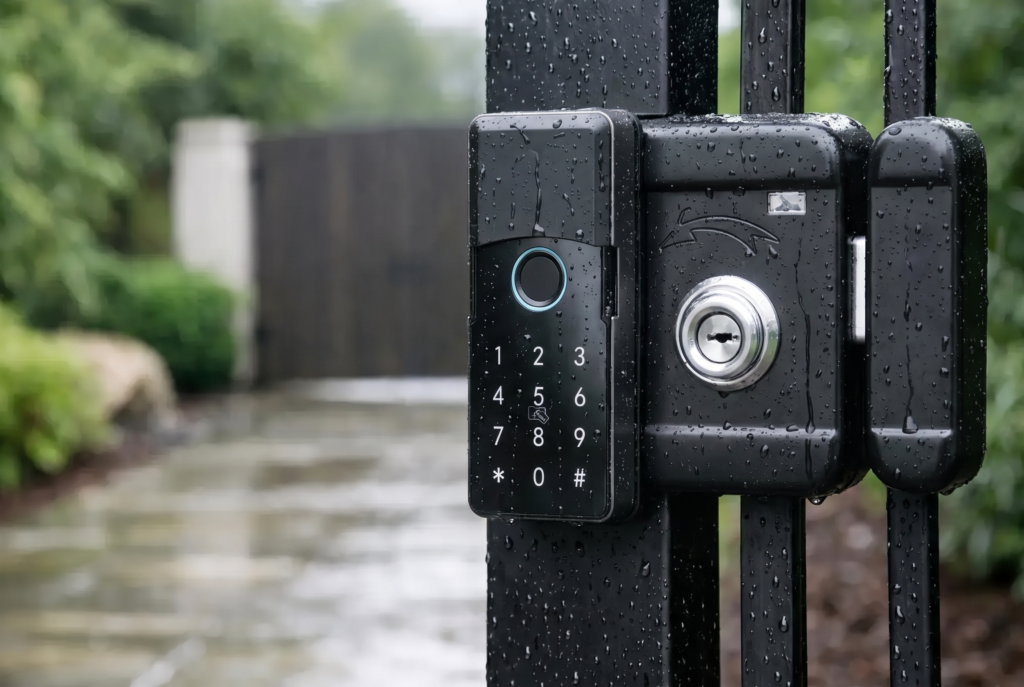
WiFi also works naturally with a connected-home security setup. Paired with a video doorbell viewer, remote lock control lets you see who is at the entrance before deciding whether to grant access. For gated properties, the same principle can extend to a smart gate lock, helping owners manage entry points with greater visibility.
However, WiFi is not automatically the right answer for every door. A WiFi lock relies on a stable home network and can consume battery power more quickly than a Bluetooth-only model. Homes with weak signal coverage at the front door may need a better router position, mesh network node, or bridge placement. A connected feature is only useful when it remains dependable where the lock is installed.
Security Is About More Than the Connection Type
It is easy to assume WiFi is less secure because it reaches the internet, or that Bluetooth is automatically safer because it works at short range. Neither assumption tells the full story. The overall security of a smart lock depends on the manufacturer, encryption and authentication methods, mobile app protections, firmware support, hardware construction, and how the homeowner manages access.
A well-designed lock should offer more than one secure way to enter. Fingerprint recognition provides fast access for household members. Passcodes make it simple to add users without distributing keys. Temporary, scheduled, or one-time codes can reduce the need to share a permanent credential. Mechanical key backup or emergency power support can provide reassurance if batteries are depleted.
Your own habits matter too. Use a unique app password, enable two-factor authentication if it is available, keep the app and lock firmware updated, and remove codes when a guest, helper, or former tenant no longer needs access. For WiFi-connected locks, protect the home network with a strong router password and current security settings.
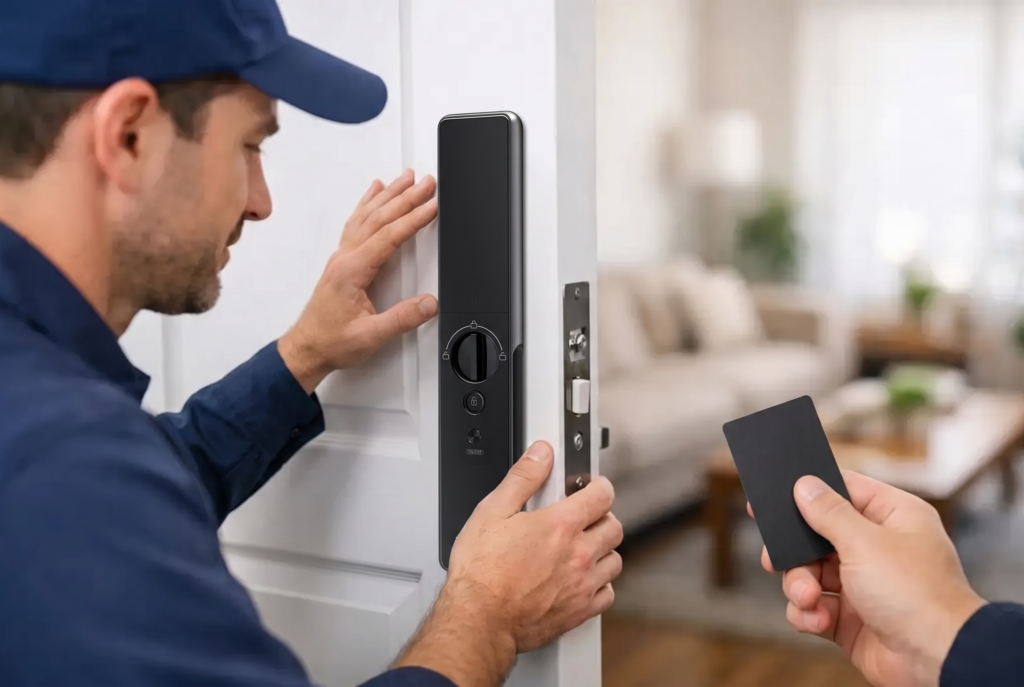
The physical side of security remains equally important. A smart lock should be properly matched to the door type, thickness, alignment, and existing mortise or deadbolt configuration. A premium biometric lock cannot deliver its best performance if the door is poorly aligned or the installation is rushed. Professional assessment and installation are particularly valuable for mortise doors, metal gates, and properties with more complex access requirements.
Battery Life, Backup Access, and Reliability
Every battery-operated smart lock needs a power plan. Bluetooth models often have an edge because their connection is less power-intensive. WiFi-capable models may require more frequent battery attention, particularly if they send frequent notifications, operate in a weak-signal area, or use an integrated camera or display feature.
That does not make WiFi impractical. It simply means homeowners should choose a model with clear low-battery alerts and maintain fresh replacement batteries at home. Check whether the lock supports emergency external power, such as a temporary USB power connection, and understand the backup entry method before an urgent situation occurs.
Fingerprint, passcode, and physical key options are not just convenience features. They create layers of access. If your phone battery is dead, the fingerprint reader may still be ready. If a fingerprint is not recognized because hands are wet or dirty, a passcode can be the next option. This is one reason multi-method smart locks are a practical upgrade over single-function connected devices.
Internet outages deserve the same perspective. A WiFi lock may lose remote app access during an outage, but its local entry methods should still work. Bluetooth control may remain available when you are nearby, while fingerprints and passcodes operate independently of the network. Ask about these offline behaviors before selecting a model, rather than assuming every app feature will work the same way in every condition.
Which Smart Lock Fits Your Home?
Choose Bluetooth if you want efficient battery use, nearby app control, and a simpler connected-lock experience. It is a strong choice for homeowners who primarily want fingerprint or passcode entry and do not expect to manage the door while away.
Choose WiFi if remote control, access history, temporary codes, and real-time oversight are central to your routine. It is particularly helpful for families with changing schedules, landlords managing approved access, and homeowners who want a door lock to work alongside video monitoring.
Choose a Bluetooth lock with a WiFi bridge if you want flexibility. You can use Bluetooth for everyday local communication while adding remote capabilities when they matter. This can be an effective balance between power efficiency and connected control.
Before purchasing, consider where the lock will be installed, who needs access, whether the entry is a main door or gate, and how much remote management you will actually use. Genesis Singapore can help homeowners match biometric, mortise, lever, gate, and video-enabled solutions to the way their property operates.
The best smart lock is not the one with the longest feature list. It is the one that gives your household dependable entry, sensible backup options, and the confidence to manage the door on your terms, whether you are standing at it or miles away.