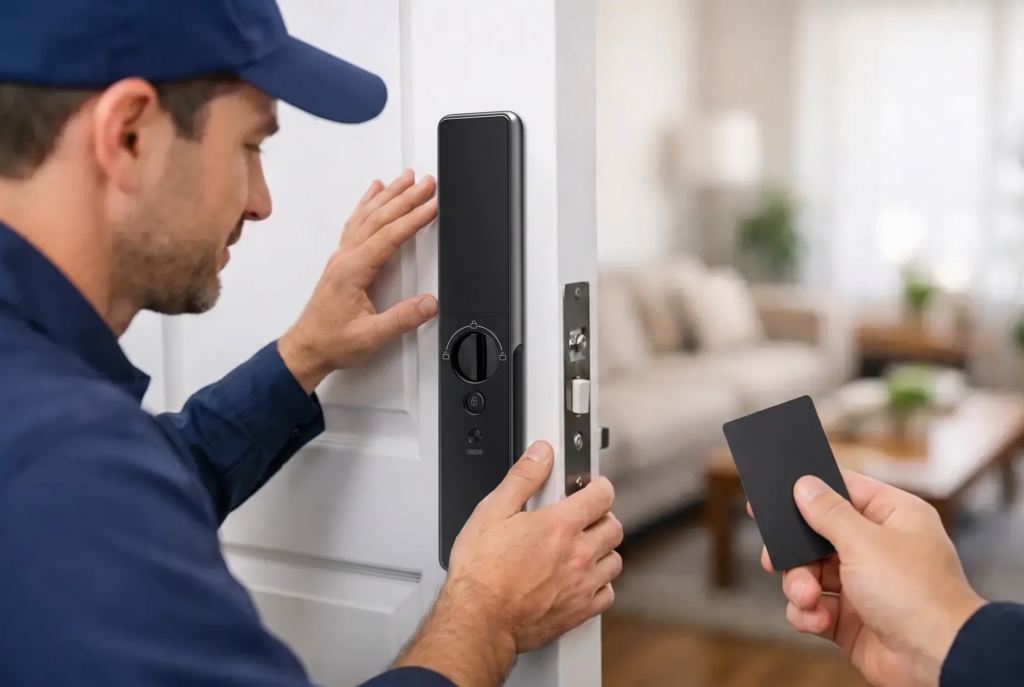
A smart lock should make the front door the easiest part of your day: one fingerprint, a passcode, or a tap in the app, and you are home. But a flat battery, misplaced phone, forgotten code, or unexpected connectivity issue can turn a rushed school run or late-night arrival into a stressful moment. This emergency unlock methods guide explains the safe, owner-approved ways to regain access while protecting your door, lock, and household security.
The priority is simple: use the recovery options built into your specific lock model before trying anything else. Smart locks are designed with backup access in mind. Forcing the handle, prying the panel, or attempting improvised bypass techniques can damage the lock, invalidate service coverage, and create a larger security concern.
Start With a Calm, Safe Check
Before using an emergency option, confirm that the door is fully closed and not under pressure. A door that has shifted in its frame, a misaligned strike plate, or a deadbolt pressing against the frame can make a working lock appear unresponsive. Gently push or pull the door toward the frame while using the normal authorized entry method.
Check the simple causes next. Is the lock displaying a low-battery warning? Has the keypad been exposed to heavy rain, direct heat, or accidental impact? Is your phone’s Bluetooth, Wi-Fi, or cellular connection active if your model uses app control? If another household member is inside, ask them to open the door from within rather than repeatedly entering codes.
Avoid endless retries. Repeated incorrect passcodes may trigger a temporary security lockout, depending on the model. If you are unsure which credential is correct, move to a designated backup method instead.
Emergency Unlock Methods Guide: Use Built-In Backups
The best recovery method depends on the lock you own and how it was configured during installation. A professionally installed smart lock may offer several options, but not every model includes every feature. Your owner documentation and setup records should identify the approved sequence for your device.
Use the mechanical override key
Many smart door locks include a concealed mechanical key cylinder for emergencies. The keyway may sit behind a protective cover to preserve the lock’s clean, modern appearance. Use only the original emergency key or a properly cut authorized duplicate.
Keep this key outside the home, but never in an obvious place such as under a doormat, planter, or nearby mailbox. A better choice is a trusted family member, a secure off-site location, or a personal keyring you routinely carry. If you have recently moved in, confirm whether the override key was handed over and test it once while the door is open.
Mechanical backup is particularly valuable when batteries are depleted or a device has an electronic fault. It is also a reminder that smart security works best when convenience is paired with a deliberate recovery plan.
Supply temporary emergency power
Battery-operated locks are designed to warn you well before power is exhausted. Do not ignore those alerts. Replace batteries promptly with the type recommended for your lock, and avoid mixing old and new batteries or different battery brands.
If the battery has already drained, certain models provide external emergency power contacts. These allow temporary power from a compatible battery source so you can authenticate with your registered fingerprint, passcode, card, or app. The contacts and power requirement vary by model, so follow the manufacturer’s instructions precisely. Do not connect unapproved chargers, loose wires, or higher-voltage power sources to the lock.
Once inside, replace the internal batteries immediately. If battery life has been unusually short, arrange an inspection. Frequent battery drain can point to poor door alignment, a sticking mortise mechanism, repeated wireless activity, or batteries that are not suited to the device.
Use the app, fingerprint, or registered credential
A physical key is not the only backup. If the keypad is difficult to use in poor lighting or you cannot recall a temporary passcode, a registered fingerprint or mobile credential may still work. This depends on whether the lock has remaining power and whether your app connection is available.
For app-enabled locks, confirm you are signed into the correct household account. If your phone was replaced or reset, access may need to be restored through the account recovery process. Do not share your primary account password over text messages or with anyone who is not authorized to manage the home.
For families, it is wise to register at least two responsible adults as administrators and provide each person with their own access method. Individual credentials are safer than one shared code because they can be changed or removed without disrupting everyone else.
Contact an authorized household administrator
If you are a tenant, guest, caregiver, or contractor, the property owner or designated administrator may be able to issue a time-limited access credential remotely. This is one of the practical advantages of connected access control: access can be managed without circulating permanent keys.
That convenience should still be handled carefully. The administrator should verify who is requesting entry before sending a temporary code or approving remote access. For rental homes and managed properties, establish this process in advance so there is no confusion during an actual lockout.
When the Problem Is the Door, Not the Lock
A smart lock can be electronically healthy while the door hardware is under strain. This is common in homes where humidity, seasonal movement, worn hinges, or a settling frame affects alignment. You may hear the motor try to engage but find that the bolt cannot move freely.
Do not force the lever or repeatedly run the lock motor. Instead, apply light pressure to reposition the door while attempting normal authorized entry. If the issue continues, stop and arrange service. A technician can assess the strike plate, door gap, hinges, mortise body, and installation alignment without compromising the lock’s security.
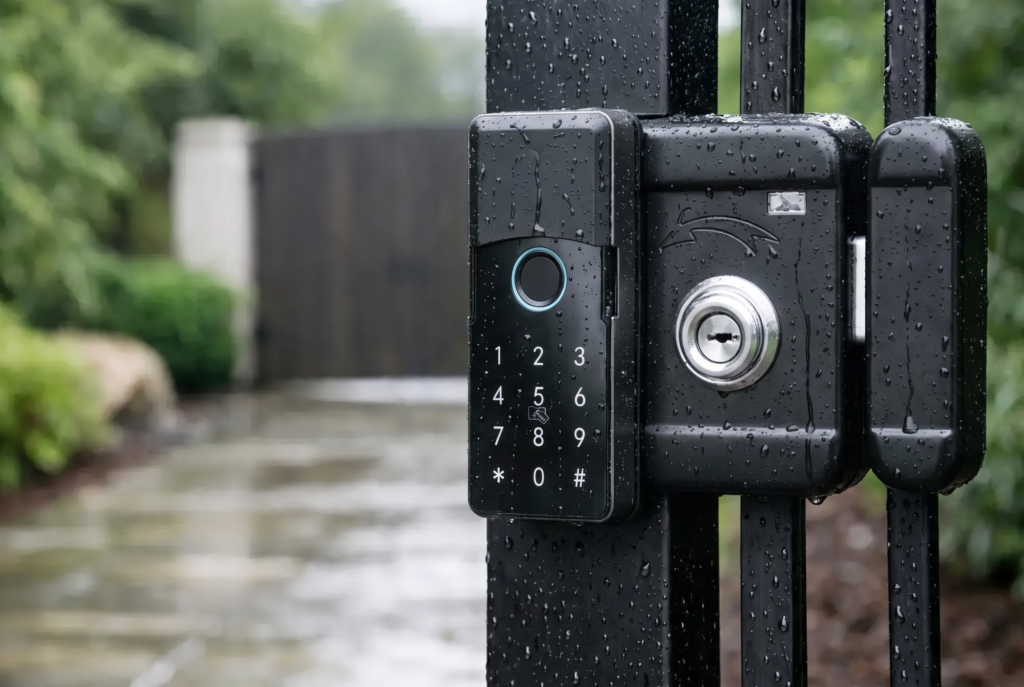
Gate locks require an additional check: inspect whether the gate is sagging, obstructed by debris, or affected by weather exposure. Outdoor access hardware should be selected and maintained for its environment. Weather resistance helps, but regular cleaning and alignment checks still matter.
What Not to Do During a Lockout
A lockout feels urgent, especially if groceries are melting in the car or children are waiting nearby. Still, damaging the door is rarely the fastest or least expensive path back inside. Do not drill the lock, remove exterior panels, use improvised picks, force cards between the frame and latch, or follow anonymous bypass videos. Those actions can damage the mechanism, expose the home to intrusion, and complicate warranty or insurance claims.
If there is an immediate risk to life or safety – for example, a child, vulnerable adult, pet, or active cooking appliance is inside – contact emergency services first. For a non-life-threatening situation where approved backup access is unavailable, call a qualified locksmith or your smart-lock provider’s local support team. Be prepared to verify occupancy or ownership before service is provided.
Build a Recovery Plan Before You Need One
The most dependable emergency method is the one prepared while there is no emergency. After installation, test every authorized access route with the door open: fingerprint, passcode, app, mechanical key, and any emergency power function supported by the model. Store the instructions in a secure place that household decision-makers can access.
Create a simple battery routine as well. Replace batteries when the low-battery alert appears, keep the recommended replacements at home, and check the lock during regular home maintenance. If the lock connects to an app, enable notifications so warnings do not go unnoticed.
For households with children, older relatives, domestic helpers, or frequent visitors, decide who has permanent access, temporary access, and emergency contact authority. Remove outdated credentials when a tenant moves out, a worker’s task ends, or a phone is lost. Good access management is not about making entry difficult for your family. It is about ensuring the right people have a dependable way in, and everyone else does not.
Genesis Singapore supports homeowners with professional installation and after-sales service because a smart lock is more than a device on a door. Proper fitting, clear handover, and ongoing care help each access method perform as intended.
A well-configured smart lock gives you choices when the unexpected happens. Keep those choices tested, powered, and limited to the people you trust, and an inconvenient lockout can remain exactly that: inconvenient, not a security crisis.