A smart lock should make the 8:00 p.m. grocery run easier, not leave your household standing outside because a phone battery died or a fingerprint would not scan. When you configure emergency access, you create a planned, secure path into your home for the moments when normal entry is unavailable. The goal is not to add more ways for strangers to enter. It is to give the right people dependable backup options without weakening the security you installed the lock for.
For families, landlords, and busy homeowners, emergency access is part of a complete smart-security setup. It combines backup credentials, battery planning, app administration, and a clear household routine. The right configuration depends on your lock model, door type, and who needs access, but the principles are the same.
What Emergency Access Should Cover
Emergency access is often mistaken for a single mechanical key. A physical key can be useful, but modern smart locks can provide several controlled alternatives: an administrator passcode, registered fingerprints, a temporary PIN, mobile-app access, an external emergency power connection, or a protected mechanical override.
Not every method should be available to every person. A child who comes home from school may need a fingerprint and a simple code. A trusted neighbor may only need a time-limited PIN for pet care or a genuine emergency. A property manager may need a separately tracked credential that can be removed immediately when a tenancy changes.
The safest setup uses more than one backup method, with each method serving a different purpose. Your preferred method might be fingerprint entry, while a PIN covers damp fingers or a sensor reading issue. A mechanical key or emergency power feature can address a depleted battery. App access can help when you are away, provided your phone, account, and connection are available.
There is one non-negotiable consideration: occupants must be able to leave safely from inside. A lock on a required exit should never prevent quick egress during a fire or other emergency. Confirm that the indoor handle, thumb turn, or release mechanism operates as intended, and follow applicable building and fire-safety requirements.
How to Configure Emergency Access Without Creating Gaps
Start with an access map for your household
Before registering credentials, decide who needs access and under which circumstances. Write down the adults who should hold administrator privileges, the regular users who need daily entry, and the people who may need limited backup access. This small exercise prevents the common mistake of sharing one PIN across an entire household.
At least two trusted adults should know how to operate the lock, change batteries, and use the backup method. If one person is traveling or unavailable, the home should not depend on a single phone or a single remembered code. For households with older children, set clear rules about never sharing access codes with friends or posting them in group chats.
Keep administrator credentials tightly controlled. They can add or remove users, adjust settings, and, on connected models, manage app permissions. Daily users should receive their own fingerprint, PIN, card, or app profile where the lock supports it. Individual credentials make it easier to identify usage and remove access without disrupting everyone else.
Create a protected backup credential
A backup PIN should be memorable to the authorized person but difficult for someone else to guess. Avoid birthdays, street numbers, apartment numbers, repeated digits, and patterns such as 123456. Longer codes are generally stronger when the lock allows them.
Do not label the code as “emergency door code” in a notes app, on a key hook, or near the entrance. If a household member needs help remembering it, use a secure password manager or another protected method rather than a visible reminder.
If your smart lock includes a mechanical override key, treat it as emergency equipment rather than an everyday convenience. Store it somewhere accessible but separate from the front-door area. A locked vehicle, a secure office drawer, or the home of a trusted nearby relative may be appropriate, depending on your circumstances. Hiding a key beneath a mat, planter, or fake rock defeats the purpose of upgrading your security.
Set temporary access for trusted help
Temporary PINs are particularly useful when someone needs access only during a defined period. You may create one for a dog walker, cleaner, visiting relative, contractor, or short-term tenant. Set a start and end time whenever your lock offers that option, then remove the credential once the need has passed.
Emergency access should not become permanent access by accident. Review old guest codes after holidays, home repairs, and changes in household arrangements. For a landlord or property manager, separate credentials for each unit and user are far safer than a shared master code that circulates for years.
Remote unlocking can be useful when a family member is stranded outside, but it should be used thoughtfully. Confirm who is at the door through a video doorbell viewer, camera, or direct call before opening it remotely. A smart entry system is most valuable when its lock controls and visual verification work together.
Plan for low batteries and lost phones
Battery depletion is one of the most predictable access problems, which means it should be one of the easiest to prevent. Enable low-battery alerts in the lock app if supported, and replace batteries soon after the first warning rather than waiting for the lock to stop operating. Use the battery type recommended for your model, and avoid mixing old and new batteries.
Many smart locks retain stored PINs and fingerprints when batteries are changed, but confirm this in your product instructions. If your lock supports an external emergency power port, keep a compatible power source available and make sure the household knows where it is. This feature may power the lock temporarily for entry, but it is not a substitute for timely battery replacement.
A lost phone is another reason not to rely only on app access. Maintain at least one non-phone backup, such as a fingerprint, PIN, or mechanical key. Protect the smart-lock app with your phone’s screen lock and account security settings. If a phone is lost, remove or revoke its app access as soon as possible.
Test the setup before you need it
The best time to discover that a PIN was entered incorrectly or a backup key does not work is not during a storm, late at night, or while carrying a sleeping child. Test each emergency method after setup. Stand outside with your usual access method unavailable and confirm that every approved backup route works.
Test fingerprints with the people who will actually use them. Dry skin, wet hands, small fingers, and changes in finger placement can affect biometric performance. Register more than one finger for each regular user when the lock supports it, preferably on both hands. This adds convenience without requiring a less secure code.
After testing, check the door alignment and locking action. A smart lock cannot compensate for a door that is sagging, misaligned, or difficult to close. The latch or bolt should move freely, and the door should lock without being pushed, lifted, or forced into position.
When Professional Setup Makes the Difference
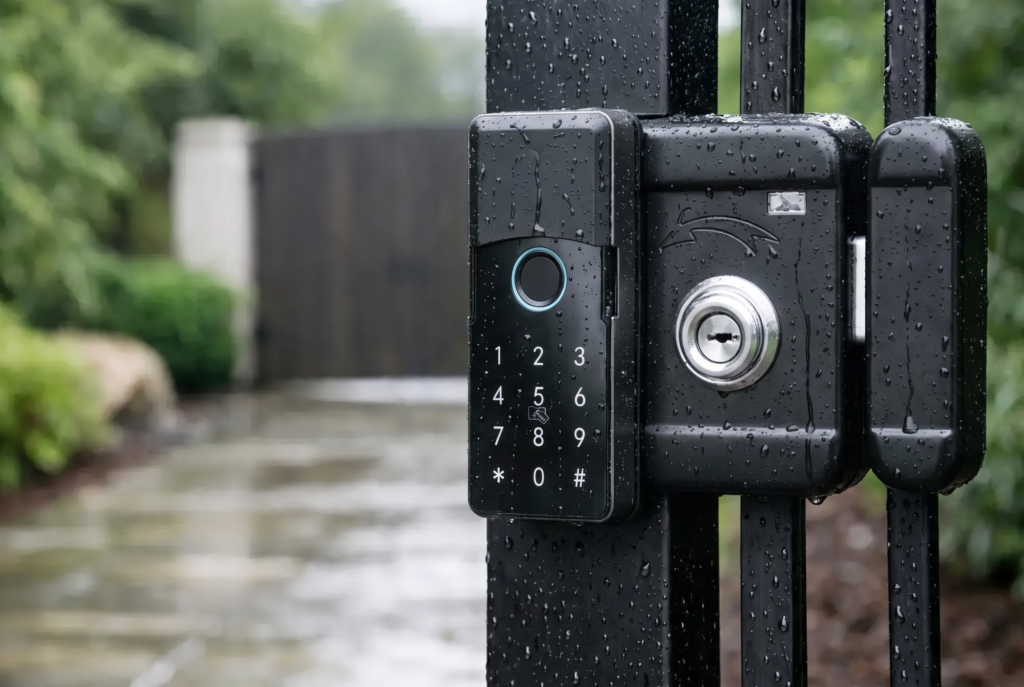
Emergency access is partly a software configuration issue, but the hardware installation matters just as much. Door thickness, backset, gate material, lock orientation, strike alignment, and weather exposure can all affect reliability. For exterior gates, select hardware designed for the environment and use appropriate weather-resistant protection where required.
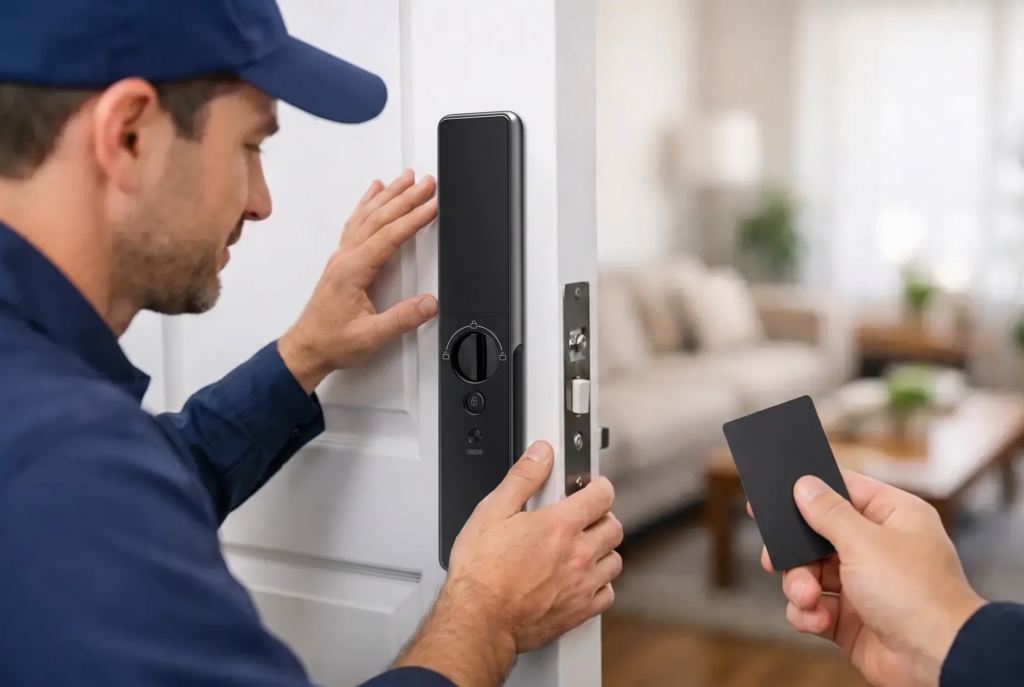
Professional installation is especially valuable for mortise locks, gate locks, and homes replacing older hardware with a biometric or connected model. A trained installer can verify that the lock operates correctly from both sides, explain battery and emergency-power procedures, register the first users, and ensure the physical override is usable.
Genesis Singapore approaches smart security as a complete home-access system, combining connected lock features with setup and local after-sales support. That matters because a premium lock is only as reassuring as the access plan behind it.
Review Emergency Access as Your Home Changes
Your access list should change when your household changes. Review it after a move, a tenant turnover, a renovation, a breakup, a caregiver change, or the departure of domestic help. Remove unused fingerprints, cards, app accounts, and PINs promptly.
A simple review every six months is usually enough for most homes. Check battery status, confirm that notification settings are active, test the indoor release, and verify that the backup key or emergency power source remains where it should be. Also make sure at least two trusted adults understand the plan.
The right emergency setup should feel quiet and uneventful. It gives your family a reliable way back inside while keeping your front door firmly under your control – exactly how smart home security should work.