A doorbell should do more than announce a visitor. For busy households, it can show who is at the door, help manage deliveries, support safer conversations with strangers, and work alongside a smart lock for more confident entry control. When comparing wired versus wireless doorbells, the best choice comes down to your home’s existing wiring, the level of video security you want, and how much ongoing maintenance you are comfortable with.
A wired video doorbell is often the stronger long-term fit when your entry already has compatible doorbell wiring. A wireless model, particularly a battery-powered doorbell, can be the more practical answer for apartments, rental homes, gates, or doors where running a new cable would be disruptive. Neither is automatically better. The right system should fit your property and the way your household comes and goes.
Wired Versus Wireless Doorbells: The Real Difference
The terms can be confusing because “wireless” may describe two different things. A doorbell may communicate wirelessly with your phone or indoor chime through Wi-Fi while still receiving continuous power from existing low-voltage doorbell wiring. In that case, it is a wired doorbell with wireless connectivity.
A fully wireless doorbell is usually battery-powered and sends alerts through Wi-Fi. It does not require a cable at the mounting point. Some simple wireless doorbells also use a battery-powered push button and a plug-in chime, without video or an app.
For a security-focused home, the more useful comparison is between a wired video doorbell and a wire-free, battery-operated video doorbell. Both can offer live video, motion notifications, two-way audio, and app controls. Their power source affects performance, installation, and day-to-day ownership.
Why a Wired Doorbell May Be Worth It
A wired doorbell receives steady low-voltage power from a doorbell transformer. That continuous supply is a major advantage for video monitoring. The camera can remain more alert for motion, record for longer periods when configured to do so, and avoid the routine charging that comes with battery operation.
For a family home with an active front entrance, wired power supports a more consistent security experience. Children returning from school, package deliveries, visitors, and service personnel can all trigger activity throughout the day. A wired model is better positioned for frequent alerts and more demanding video features without requiring you to watch a battery level.
Wired systems also create a cleaner long-term setup. Once professionally installed and configured, there is less routine hardware maintenance. You still need a stable Wi-Fi signal and may need to update app settings, but the doorbell itself does not need to come off the wall for recharging.
There are practical checks before choosing this route. Existing wiring must be present, in good condition, and compatible with the doorbell’s voltage requirements. Older homes may have an undersized transformer or a mechanical chime that needs an adapter or replacement. A professional assessment avoids an installation that looks straightforward but leads to weak chimes, inconsistent power, or camera resets.
Wired installation can also be less flexible. If your preferred mounting location is on a gate pillar, side entrance, or detached garage, reaching it with cable may involve surface conduit, drilling, or electrical work. The result can be worthwhile, but it should be planned as part of the wider access-control setup.
When a Wireless Doorbell Is the Smarter Choice
A battery-powered wireless doorbell brings flexibility where wiring does not. It can be installed at a front door, apartment entrance, gate, or secondary access point without opening walls or modifying existing electrical circuits. That makes it particularly attractive for renters and homeowners who want visible video coverage with minimal alteration to the property.
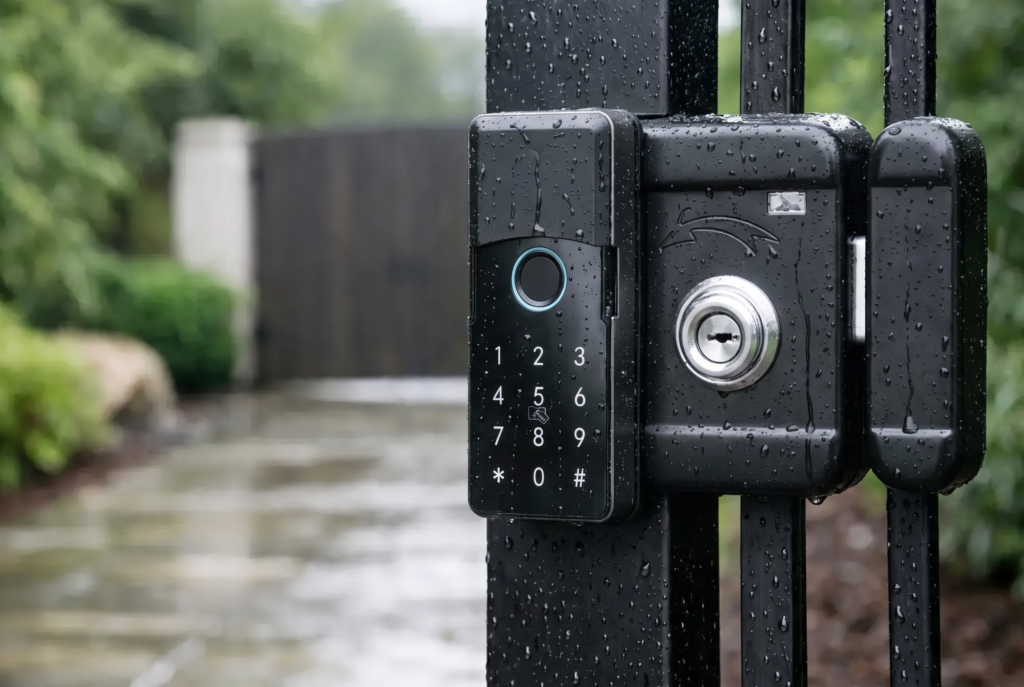
Installation is faster, but it should not be treated as an afterthought. The doorbell needs a secure mounting surface, a strong Wi-Fi connection, and a camera angle that captures faces rather than only the tops of heads. At a gate, placement should also account for direct sun, rain exposure, and the distance to the home’s router.
Battery operation does introduce a responsibility: charging. How often depends on motion activity, recording length, Wi-Fi strength, weather, and how often live view is used. A quiet apartment hallway may allow long intervals between charges. A busy driveway with constant pedestrian or vehicle movement can drain a battery much sooner.
Battery doorbells usually conserve power by waking when motion is detected or when someone presses the button. This is efficient, but it can mean shorter recording windows or a slight delay compared with a continuously powered device. For many households, that trade-off is entirely reasonable. For an entrance that needs frequent monitoring, it deserves more careful consideration.
Video, Audio, and Smart Entry Features
Power source is only one part of the decision. The doorbell should deliver clear video in the lighting conditions around your entrance, including at night. Look for useful details such as a wide field of view, infrared or low-light performance, motion detection zones, visitor snapshots or recording support, and two-way audio that is understandable on both ends.
Two-way audio is especially valuable when a delivery arrives while you are at work or when an older family member prefers to confirm a visitor before opening the door. It provides a controlled first interaction without requiring anyone to stand directly behind the door.
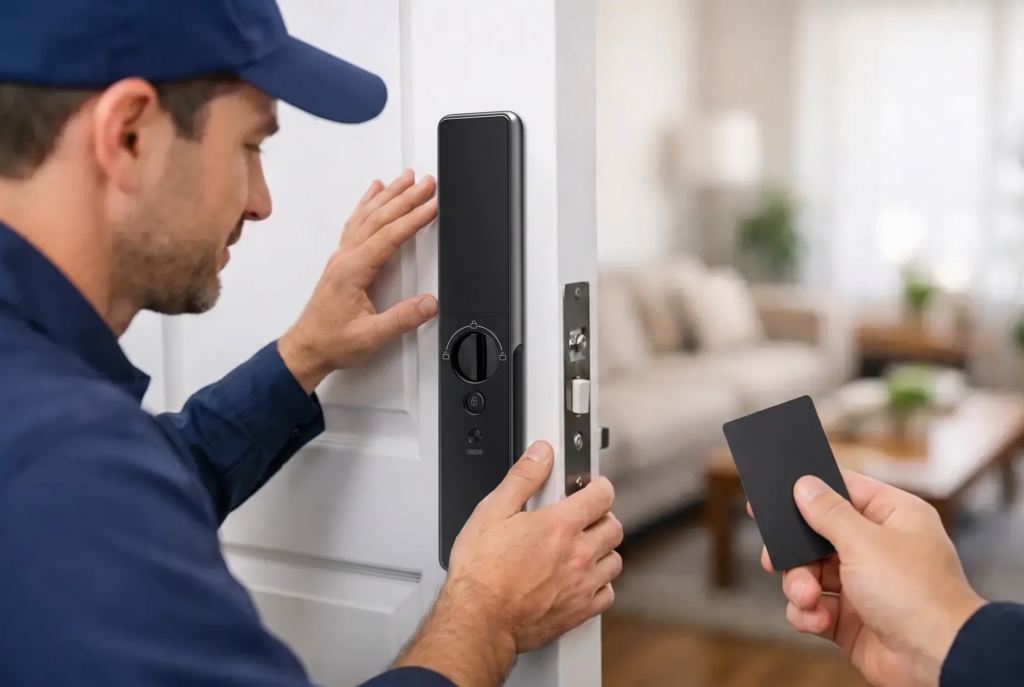
For homes using smart locks, a video doorbell can become part of a more complete arrival experience. You can identify a visitor, speak to them, and then decide whether to grant access through an approved smart-lock method. That may include a fingerprint, passcode, app authorization, or a time-limited access credential, depending on the lock and system configuration. The key is to keep verification and unlocking as separate, deliberate actions.
Do not choose a doorbell based on a feature list alone. A camera with excellent specifications is only helpful if the app sends dependable alerts, the Wi-Fi signal reaches the door, and household members can use it confidently. A professional setup can help position the device correctly, test notification performance, and explain the controls before installation day is over.
How to Choose for Your Property
Start with the entrance itself. If there is existing doorbell wiring at the preferred camera location, a wired video doorbell is usually the strongest choice for a permanent residence, especially where frequent activity and consistent recording matter. It delivers continuous power and reduces upkeep.
If there is no wiring, or if the ideal camera position is far from the house, a wireless battery model may offer a better balance of security and practicality. This is common for gate entrances, apartments, and homes where preserving walls or avoiding electrical modifications is a priority.
Next, think about the visitor flow. A quiet household that mainly wants alerts for occasional deliveries may be well served by a battery doorbell. A household with caregivers, children, regular service appointments, or multiple daily deliveries may appreciate the steadier performance of a wired unit.
Finally, consider the property as a connected access system rather than a collection of separate gadgets. A doorbell viewer, smart gate lock, and main-door smart lock should support the same goal: knowing who is outside and controlling entry with less uncertainty. Coordinated installation also produces a neater result than adding devices one at a time.
Installation Details That Protect Performance
Whether you select wired or wireless, avoid placing the doorbell solely for convenience. Mount it at a height that captures visitors clearly and choose an angle that limits glare from nearby lights or the sun. At exposed doors and gates, confirm that the device’s weather-resistance rating suits the location.
Wi-Fi coverage deserves equal attention. A doorbell at the edge of a property may show a weak signal even when the router performs well indoors. Before installation, test connectivity where the doorbell will sit. In some homes, improving router placement or adding a suitable network extension is more valuable than upgrading the camera itself.
A doorbell is also a shared household device. Set app permissions carefully, enable strong account protection, and make sure the people who need alerts can receive them. For landlords or property managers, access should be reviewed whenever tenants or staff change.
The best doorbell is the one that gives your household a clear view of the entrance without creating another task to manage. Choose continuous wired power when dependable, high-activity monitoring is the priority. Choose battery flexibility when installation freedom matters most. With the right placement, connectivity, and professional support, your front door can feel both more welcoming and more secure.