A package arrives while you are in a meeting. Your child gets home before you do. A contractor needs access while you are away. These are the everyday moments where video doorbells turn a front-door interruption into a simple decision you can make from wherever you are.
More than a camera at the entrance, a well-chosen video doorbell gives your household a clearer view of who is there, why they are there, and whether they should be let in. When paired thoughtfully with a smart lock, it becomes part of a more convenient and controlled home-entry experience.
Why Video Doorbells Belong at the Entry Point
The front door is where convenience and security meet. Traditional peepholes only work when someone is standing inside the home, and a standard doorbell gives no context at all. A video doorbell adds live visual verification, visitor alerts, two-way audio, and, depending on the model and setup, recorded clips of activity at the door.
That visibility is especially useful for busy households. You can answer a delivery driver without opening the door, check on an unexpected visitor before engaging, or speak with a family member who has forgotten their key. For parents, it can provide reassurance when children arrive home. For property owners, it offers a clearer record of arrivals and attempted visits.
The benefit is not simply seeing more. It is making entry decisions with more information. A visitor at the door no longer requires guesswork, rushed calls, or opening the door before you are ready.
What to Look for in Video Doorbells
Not every video doorbell is suited to every property. The best choice depends on your entrance layout, power availability, Wi-Fi coverage, and whether you want the device to work alongside an existing or new smart lock.
Clear Video and a Useful Field of View
Image quality matters, but resolution is only part of the picture. Look for a camera angle that captures the person at the door and the area immediately below it, where packages may be placed. A narrow view can miss important activity, while an overly wide angle may include more of the street or neighboring property than you need.
Night vision is equally valuable. Visitors, deliveries, and unexpected activity do not follow business hours. A video doorbell should provide a usable view in low light without turning faces into indistinct shadows.
Responsive Alerts and Two-Way Audio
A delayed notification can defeat the purpose of a connected doorbell. Fast alerts allow you to see who is outside while they are still there, then communicate through two-way audio if needed. This is useful for asking a courier to leave a package in a safer location or letting a guest know you will be at the door shortly.
Audio quality should be clear enough for a normal conversation. In homes near busy roads, gates, or common walkways, noise handling becomes more important. A visitor should not need to shout for you to understand them.
Recording That Fits Your Needs
Live viewing is helpful, but recording adds another layer of confidence. It lets you review a missed visitor, confirm a delivery, or check what happened when a motion alert appeared while you were unavailable.
Consider how footage is stored and how long it remains accessible. Some homeowners prefer local recording options, while others value the convenience of cloud-based access. Either approach can work, provided you understand storage limits, recurring costs where applicable, and how easily footage can be retrieved when it matters.
Power, Weather Protection, and Connection Reliability
A doorbell is only useful when it is ready to work. Battery-powered models can simplify installation, especially where doorbell wiring is not available, but they need periodic charging. Wired models reduce that maintenance requirement, though installation may be more involved.
For exterior entrances, weather resistance is not optional. Rain, heat, dust, and direct sun can affect performance over time. The device should be specified for the conditions around your entrance, particularly if it is mounted near an exposed gate or front porch.
Wi-Fi strength is another practical consideration. A video stream requires a stable connection, not just a signal that appears on your phone near the router. Before installation, test coverage at the exact location of the doorbell. In larger homes, a mesh system or an additional access point may be needed for reliable alerts and live video.
Pairing a Video Doorbell With a Smart Lock
A video doorbell becomes even more useful when it is part of a coordinated access-control setup. The doorbell helps you verify the visitor. A smart lock gives you options for granting entry without handing over physical keys.
For example, you might speak with a trusted relative through the doorbell, then issue a temporary access code or unlock the door through the lock app. A cleaner could receive a scheduled code on service days. A dog walker could enter through a designated access method without needing a copied key. These arrangements make sense when access is controlled, time-limited, and easy to review.
The key is to treat video verification and door unlocking as separate decisions. Seeing a familiar face is useful, but it should not automatically trigger access. Use the video feed to confirm the situation, then choose the right method of entry: a one-time passcode, a scheduled code, an app command, fingerprint access for household members, or simply asking the visitor to wait.
For households using connected locks, this combination also reduces the pressure to rush to the door. You can communicate first, decide second, and open the door only when you are comfortable.
Choosing for Apartments, Houses, and Gated Properties
Your property type shapes the ideal installation.
Apartment residents may need to consider building rules, shared corridors, mounting permissions, and Wi-Fi reach from inside the unit. A compact doorbell with a clear view of the visitor and reliable app notifications may be more valuable than a broad exterior camera angle.
For single-family homes, placement should account for porch depth, package delivery zones, and changing daylight. Positioning the camera too high can make it difficult to identify faces, while placing it too close to a wall can create blind spots. The doorbell should be installed at a height that supports both facial visibility and coverage of the doorstep.
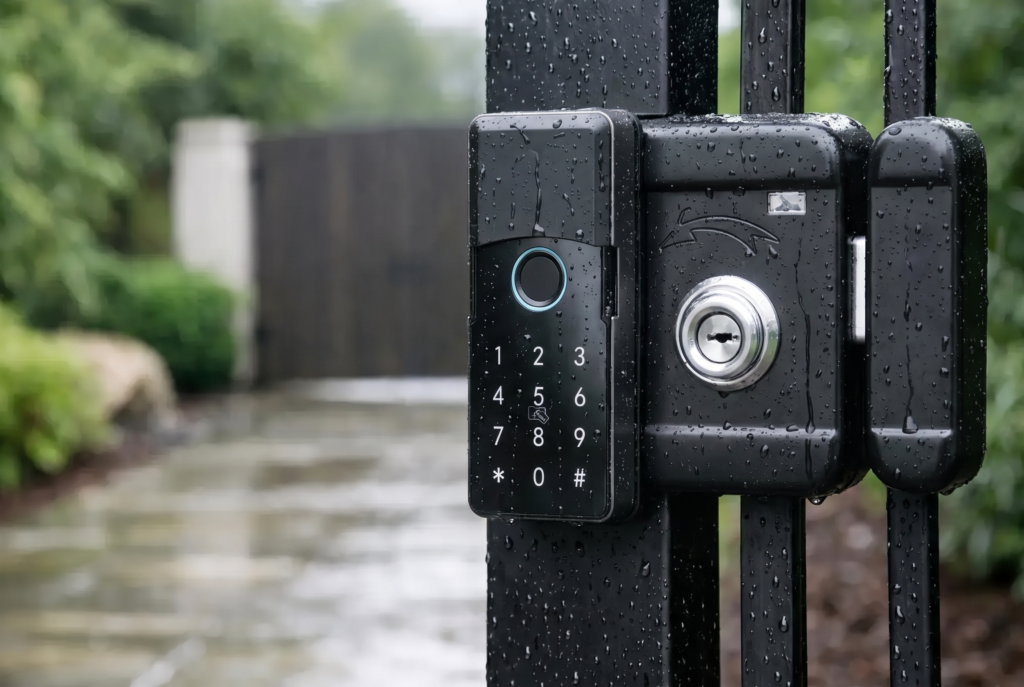
Gated properties often benefit from thinking beyond the main front door. The gate may be the first point where a visitor needs to be identified and addressed. Weather-rated equipment, dependable two-way audio, and a clear view of the approach are especially relevant in this setting. If a gate lock is involved, professional planning helps ensure that the doorbell, lock, power source, and connectivity work together as intended.
Professional Installation Protects the Experience
Smart-security hardware should feel effortless after installation. That means the camera is positioned correctly, the connection is stable, notifications reach the right household members, and the lock or gate access method is configured safely.
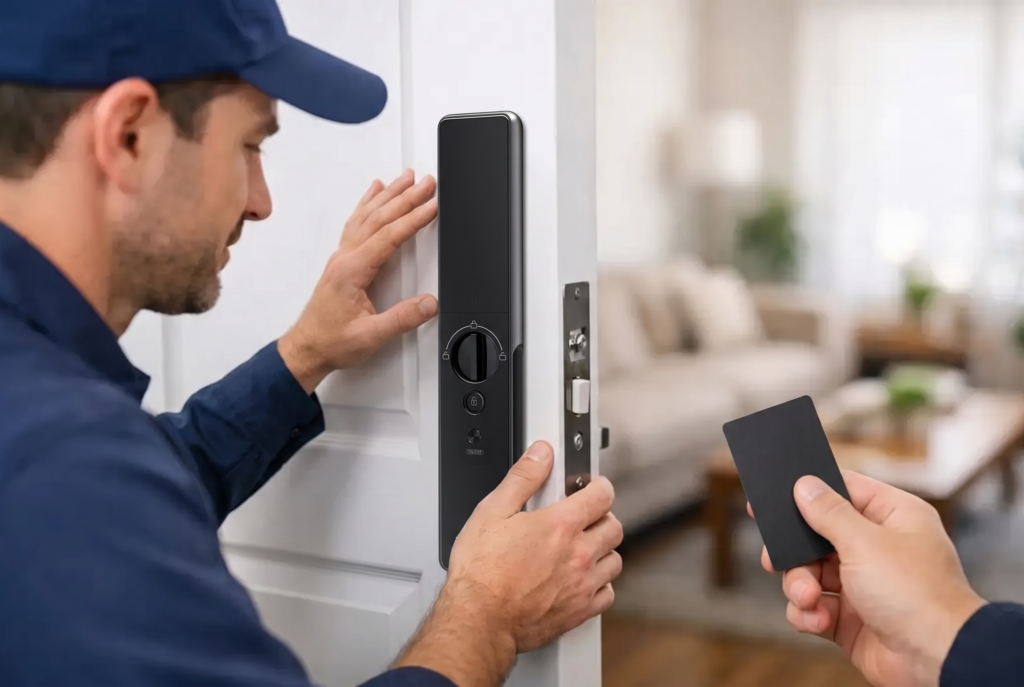
Professional setup is particularly valuable when a video doorbell is being added alongside a smart mortise lock, biometric lock, or gate lock. The devices do not need to be complicated for the homeowner, but the physical fit, wiring, mounting surface, and app configuration deserve careful attention.
Genesis approaches connected entry as a complete home-security solution, combining video monitoring with keyless access hardware, installation, and ongoing support. That service element matters because a device at your entrance is not merely a gadget. It is part of how your family enters, receives visitors, and protects the home every day.
Keep Convenience From Becoming a Security Gap
Connected access is most effective when the basics are set up well. Use unique, strong passwords for the accounts associated with your doorbell and smart lock. Enable multi-factor authentication when available. Keep the app and device firmware updated, since updates can improve reliability and address security issues.
It is also worth deciding who in the household should receive alerts and who can control access. A shared household account may be convenient, but each adult should ideally use their own login where the system supports it. This creates better accountability and makes it easier to remove access when circumstances change.
Be considerate about camera placement, too. Aim the device at your own entrance rather than unnecessarily recording private areas of neighboring homes. The goal is useful security coverage, not excessive surveillance.
A Better Welcome Starts Before the Door Opens
The right video doorbell does not make a home feel guarded or complicated. It makes the arrival experience more informed. You know when someone is there, can speak before opening the door, and can pair that visibility with secure keyless access when appropriate.
Choose a model that suits your property, install it with care, and build access rules around the way your household actually lives. Then the front door becomes less of an interruption and more of a controlled, confident welcome.