A smart lock beeping at the front door can feel alarming, especially when it happens late at night or as your family is heading out. But why locks beep is usually not a mystery or a sign that security has failed. Beeps are one of the lock’s fastest ways to communicate a condition that needs your attention, from a low battery to a door that is not closing correctly.
Unlike a traditional mechanical lock, a connected or biometric lock has sensors, a motor, a keypad, and sometimes Wi-Fi or Bluetooth functions working together. Sound gives the lock a clear way to confirm actions and flag issues without requiring you to open an app. The key is to pay attention to when the beep occurs and what happens immediately before or after it.
A Beep Is Your Lock’s Status Message
Most smart locks use short tones as confirmation. A single chirp after a fingerprint scan, keypad code, or app command commonly means the lock has accepted the action. A different tone, repeated beeps, or a beep paired with a flashing indicator often means the lock needs a response.
The exact sound pattern depends on the model. Some locks use voice prompts, while others use a combination of beeps and LED colors. That is why the product manual remains the best reference for identifying a specific pattern. Still, several causes are common across smart door locks, lever locks, mortise locks, and smart gate locks.
A useful rule is this: a beep during normal entry is often a confirmation. A beep that begins unexpectedly, repeats every time you use the door, or occurs with a warning light deserves a quick check.
Why Locks Beep: The Most Common Reasons
The battery level is low
Low battery alerts are among the most common reasons a smart lock starts beeping. Because a motorized lock uses power every time it moves the bolt or latch, it needs a reliable battery supply to operate consistently. The lock may beep before and after entry, announce a low-battery warning, or show a battery symbol in its app.
Do not wait until the batteries are fully depleted. Replace them promptly with the battery type recommended for your model, and replace the full set together rather than mixing old and new cells. For households that use the door frequently, checking battery status monthly is a simple habit that prevents last-minute access problems.
Many smart locks include an emergency power option for a depleted battery, but this is designed as a backup, not everyday use. Keeping the lock properly powered protects the convenience of fingerprint, PIN, card, and app-based entry when your family needs it most.
The door or bolt is under pressure
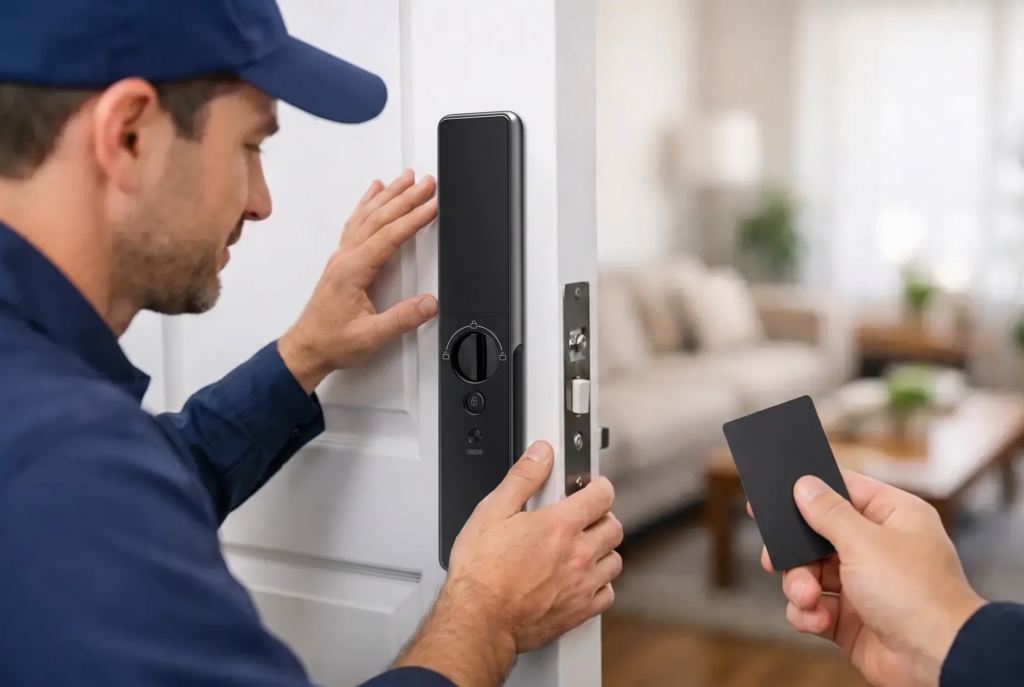
A smart lock can beep when its motor meets resistance. This often happens when the door has shifted slightly, the strike plate is misaligned, or the weather seal presses too tightly against the door. The lock may still work sometimes, but repeated strain can cause failed operation warnings and use more battery power than normal.
Try closing the door gently and checking whether the bolt enters the frame cleanly. If you need to push, pull, or lift the door for the lock to operate, the issue is likely alignment rather than the electronics. This is especially common after a door settles, hinges loosen, or seasonal temperature changes affect the frame.
A professionally fitted smart lock should move smoothly with the door fully closed. If beeping continues alongside a slow motor, repeated attempts, or a jam warning, arrange a service inspection. Adjusting the door and strike plate correctly is better than forcing the lock to work against resistance.
An access attempt was declined
A series of warning beeps can mean the lock did not accept a fingerprint, PIN, card, or app request. A fingerprint sensor may struggle if a finger is wet, dirty, placed at an unusual angle, or not enrolled well. A PIN may have been entered incorrectly, while a temporary digital pass may have expired or reached its usage limit.
This does not automatically indicate an intruder. Family members often trigger a declined-entry tone when they are rushing, carrying groceries, or using a finger that was not registered. Clean the fingerprint sensor with a soft, dry cloth and enroll more than one finger for regular users when the model supports it.
If incorrect attempts continue, check your access records in the lock’s app if available. Review which PINs, cards, and temporary passes are active. For stronger household control, remove credentials that are no longer needed, such as a former contractor’s access code or an expired guest pass.
The lock is in a special security mode
Some locks beep to tell you that a feature has been enabled or disabled. Privacy mode, passage mode, auto-lock settings, tamper alerts, child-safety functions, and forced-entry alerts can all have their own sound notifications. A lock may also beep if someone tries to operate the exterior keypad while privacy mode is active from inside the home.
These settings offer useful protection, but they can be confusing when activated accidentally. If the beep began after someone pressed buttons on the indoor panel or changed options in the app, review the current mode before assuming there is a fault.
The connection or setup needs attention
Wi-Fi and Bluetooth-enabled locks may beep during pairing, network changes, firmware updates, or when communication with a connected hub is interrupted. A temporary connection alert does not usually stop local fingerprint, PIN, or mechanical access from working, but remote controls and notifications may be affected until the connection returns.
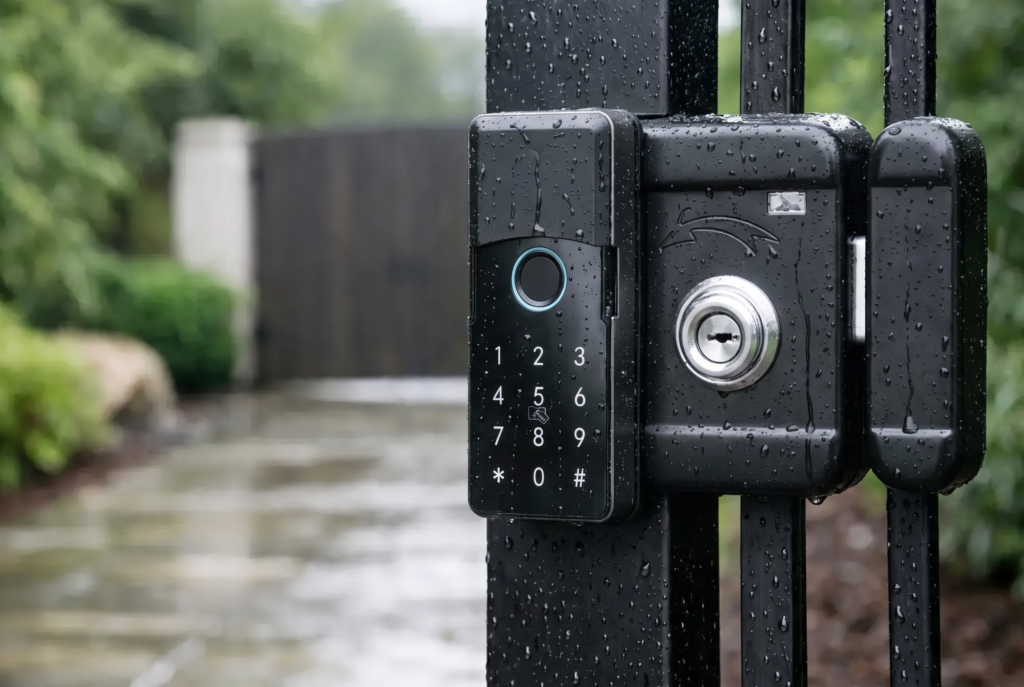
For a smart gate lock or an outdoor access device, weather exposure can also affect performance over time. A lock with the appropriate weather-resistance rating, correct installation position, and regular inspection is better prepared for outdoor use. If an alert follows heavy rain, impact, or visible damage, have the hardware checked rather than opening the casing yourself.
What to Do When Your Smart Lock Starts Beeping
Start with the simplest clues. Check whether the lock displays a low-battery indicator, whether the door closes freely, and whether the beep occurs during entry or at random. If your lock has an app, look for battery notices, access events, or device alerts.
Next, test the lock while the door is open. Watch how the bolt or latch moves without the frame creating resistance. Then close the door and repeat the test. If it works with the door open but struggles when closed, the door alignment needs attention.
Avoid repeatedly entering codes or pressing the keypad when the lock is issuing a warning. Multiple failed attempts may activate a temporary security lockout on some models. Instead, use an approved backup entry method and check the lock’s instructions for the particular alert pattern.
If the beeping is paired with a tamper notice, an attempted forced entry, unusual movement, or a door that will not secure properly, treat it as a security concern. Confirm everyone at home is safe, inspect the door from a secure position, and contact qualified support if the lock or frame appears damaged.
Do Not Silence a Warning Without Fixing It
Many smart locks allow users to adjust volume or mute routine keypress sounds. That can be useful in homes with sleeping children or when leaving early in the morning. However, muting routine tones should not become a way to ignore low-battery, motor, or tamper alerts.
A quieter lock is convenient only when it remains communicative in the moments that matter. Keep critical warning notifications enabled through the app where possible, especially for a main entrance, a rental property, or a gate that protects a larger perimeter.
Keep Beeps From Becoming Disruptions
Most lock alerts are preventable with a little routine care. Replace batteries before they reach a critical level, keep the fingerprint reader clean, and make sure the door closes without force. Review digital access periodically so only current family members, trusted guests, and authorized service providers can enter.
Professional installation also makes a meaningful difference. The lock body, door preparation, strike plate, handle position, and gate structure all affect how smoothly a smart lock performs. Genesis Singapore supports homeowners with device selection, installation, and after-sales service so the technology feels dependable from day one.
Your lock is not beeping to create another household chore. It is giving you an early signal while the solution is usually simple. A quick response today can preserve reliable keyless entry, protect your door hardware, and keep your home ready for the people who belong there.